 Figma
 API
 Web to code extension
 Adobe XD
 Discord
 Twitter
 GitHub


 Blog
How to Publish a Website with Perplexity Computer
Reading Time: 7 minutesPerplexity Computer can publish a website natively to pplx.app or deploy through Vercel. Compare visibility, custom domains, and the checks to run before launch.


Reading Time: 7 minutesPerplexity Computer can publish a website natively to pplx.app or deploy through Vercel. Compare visibility, custom domains, and the checks to run before launch.
Reading Time: 7 minutesCoordinate a website team in Paperclip, from scoped tasks and QA evidence to human approval. Publish the reviewed build with a host or separate AgentGrid.io artifact.
Reading Time: 7 minutesBuild and publish a website with OpenClaw: scope agent permissions, test the files, deploy through a host or shared artifact, and verify the public URL.
Reading Time: 7 minutesUse an OpenAI dot to coordinate a website, then choose Sites, a cloud host, or AgentGrid for review and publication.
Reading Time: 7 minutesNanoClaw can create site files in an isolated agent workspace, but it does not host websites. Review the build and deploy through an authorized external host.
Reading Time: 7 minutesBuild and preview a Manus website, publish with Manus hosting, configure an owned domain if needed, and test the public site.
Reading Time: 7 minutesCreate a Kimi Build website with K3, preview and revise it, publish to ok.kimi.link, and verify access, forms, and the live version.
Reading Time: 7 minutesBuild and test a website with Hermes Agent, then deploy through your host or publish a reviewed AgentGrid.io artifact. Follow the approval and live-site checklist.
Reading Time: 7 minutesBuild a website in Grok Build, review its preview, choose a Publish access level, and verify the live grok.me link and custom domain.
Reading Time: 7 minutesUse DeepSeek to generate a static website, test HTML and links locally, deploy with GitHub Pages, and verify the live URL before sharing.
Reading Time: 7 minutesPublish a website built in Cursor: test the project, use Cloud Agent Publish with Vercel when eligible, or deploy your repository through another host.
Reading Time: 7 minutesHow to publish a website with Codex: test the project, deploy a preview to Vercel or use ChatGPT Sites, then verify the public URL.
Reading Time: 7 minutesLearn how to build and publish a website with Claude Cowork: prepare site files, test a real preview, choose artifact sharing or hosting, and verify the live URL.
Reading Time: 7 minutesPublish a Claude Code website through a suitable host, or share a single-page artifact. Compare workflows and verify the public result.
Reading Time: 7 minutesLearn how to publish a website with ChatGPT Sites, from a private preview and saved version to deployment and access checks.
Reading Time: 8 minutesFigma Make is Figma's AI prompt-to-app tool. Here is what it is, how it works step by step, who can use it, how AI credits work, how to publish and export code, and where its limits are.
Reading Time: 8 minutesGrok Bot Team Bots, now called Shared Bots, let one Bot serve a whole team. Here is what SpaceXSI's sales team built, what a Shared Bot can see and do, how to set one up, and where its work should live.
Reading Time: 7 minutesNotion Agents now have their own computer and browser, run tasks for up to 24 hours, and can use your ChatGPT plan. What changed, how to turn it on, costs, limits, and how it fits a multi-agent team.
Reading Time: 5 minutesAnthropic’s S-1 reveals Claude’s financials, the $80.7 billion net loss, robots, Virtual Collaborators, and Dario Amodei’s agentic workforce vision.
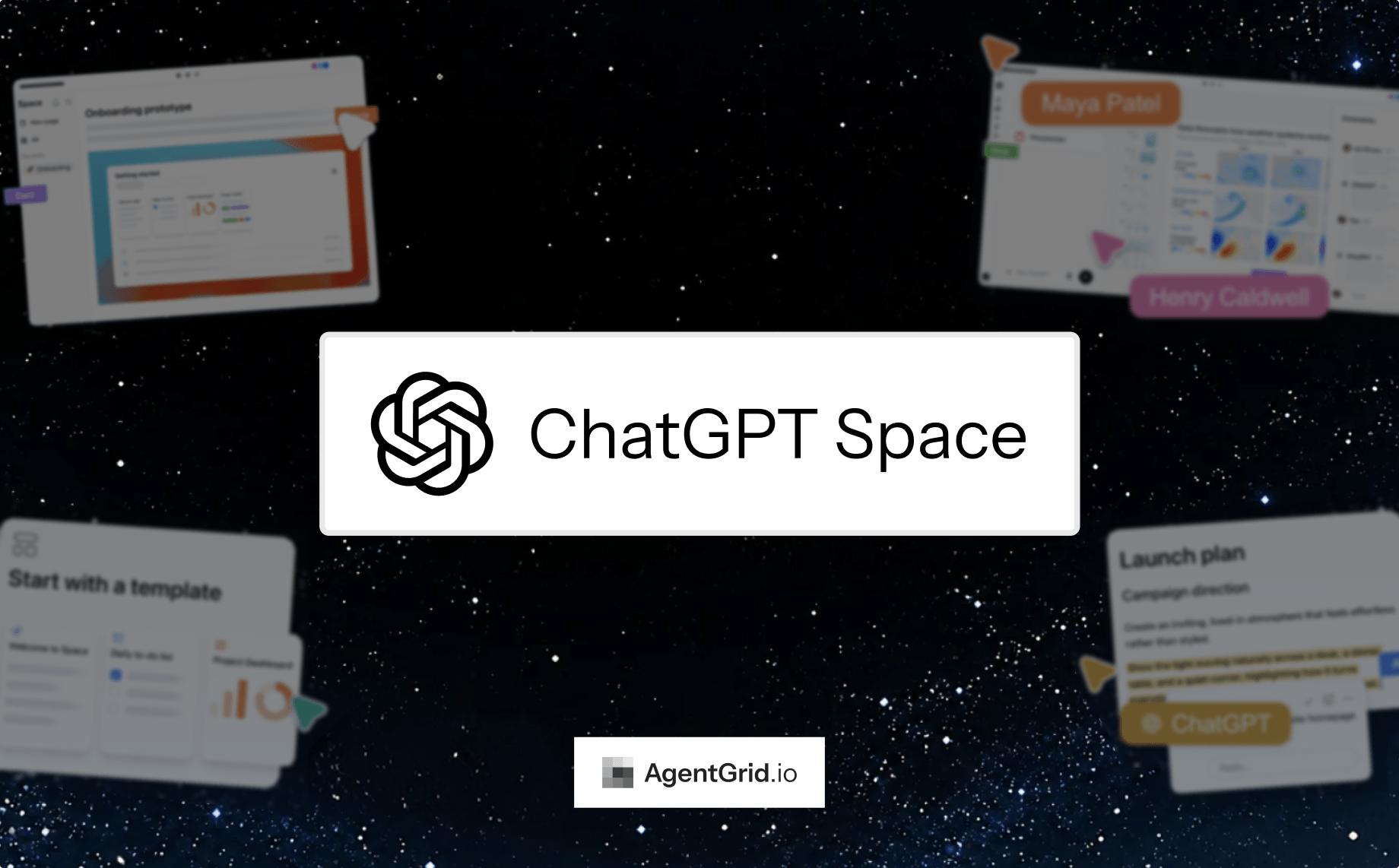
Reading Time: 5 minutesChatGPT Space explained: pages, collaboration, availability, pros and cons, and how it compares with AgentGrid.io, Google Docs, and Notion.
Reading Time: 4 minutesBuild a website with Meta’s Muse AI, review the draft with your team in AgentGrid.io, and publish the approved version. A practical four-step guide.