Alex Shirazi


Tools I use every day:
•ChatGPT/Claude for flows + content
•Figma (with @AnimaApp)

Start with an idea and describe what you want to build. Generate a working app from your prompt, then keep refining the design, features, and flow visually.

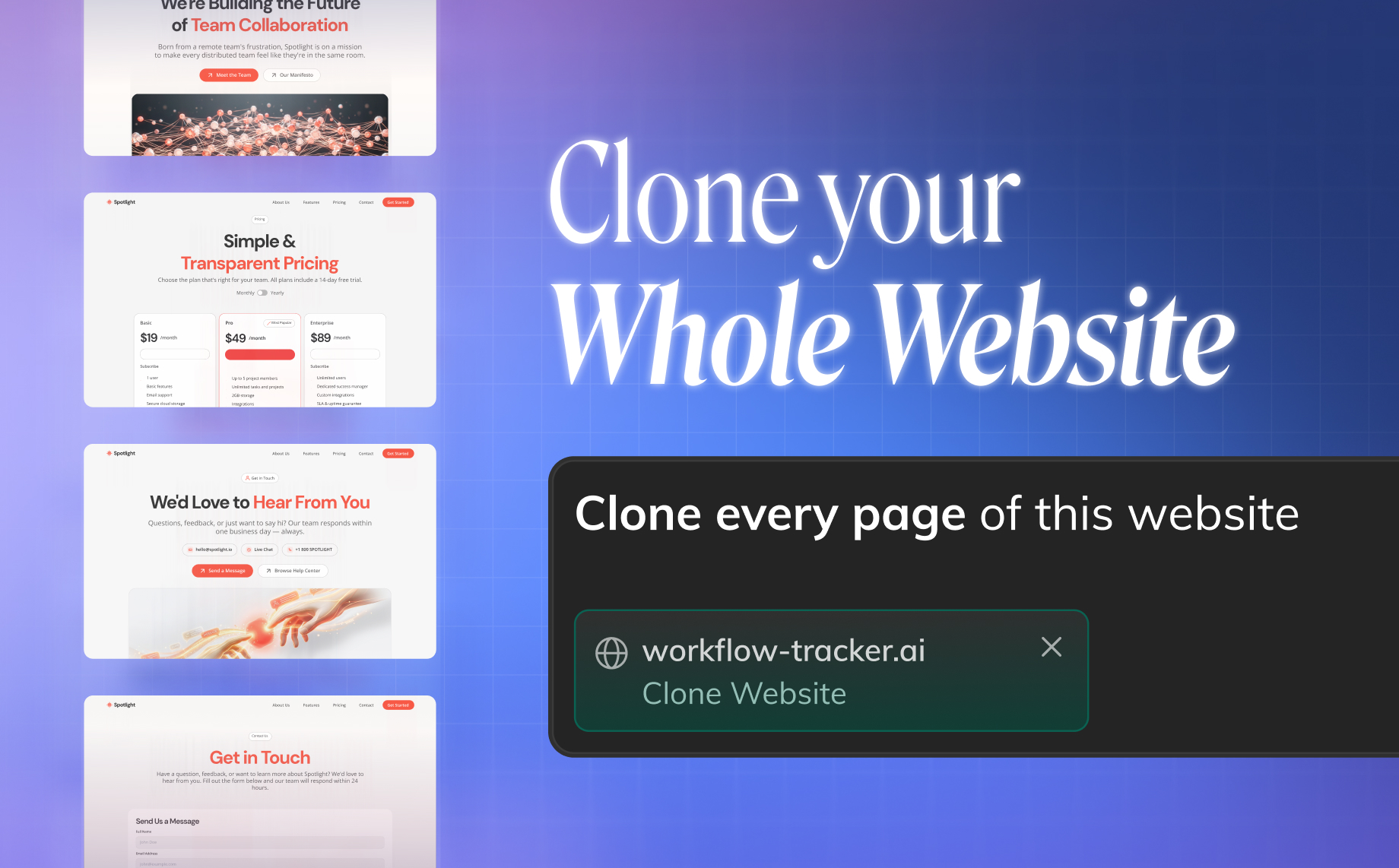
Import multiple pages from any live website into one editable app, with routes and navigation already connected.

Import design system components, match a brand from any URL, or use a Design.md file to keep every build visually consistent.

Bring a screenshot, mockup, or user flow to life as an editable HTML or React app.

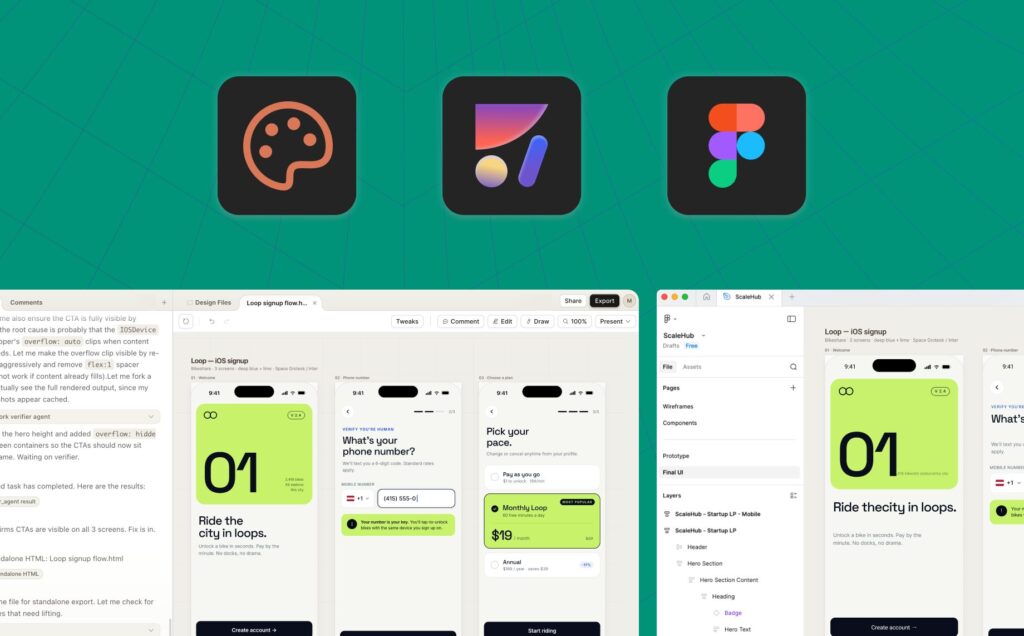
Generate responsive HTML or React from your design, carrying its structure, assets, and visual details into the result. Copy it back into Figma as you keep iterating.

Import code or an artifact from Claude or another AI tool, run it as a live app, and keep building visually.

Fast, responsive output for websites, landing pages, email templates, and marketing experiences.
Choose clean CSS, Tailwind, or inline styles.

Editable application code for products, dashboards, flows, slides, and prototypes.
Build with TypeScript or JavaScript, use your preferred UI library, and choose between clean CSS, Tailwind, or inline styles.

· Build and preview in the browser
· Add database and authentication
· Restore any version instantly
· Publish, export, or hand off
Bring your brand, visual references, Figma files, and design system into the build—so every result stays closer to your product.
Connect AI coding agents to Anima’s app creation environment.
Give agents access to Figma-to-code, design systems, and project context—then let them create, inspect, and continue building live HTML or React applications.
Accelerate development by connecting your product to Anima API. Anima's engine already runs inside Bolt.new and Replit and plugs into Claude and any agent stack in minutes.
builders have used Anima to get from design and ideas to working software.
Read the article >


Tools I use every day:
•ChatGPT/Claude for flows + content
•Figma (with @AnimaApp)

New @boltdotnew + @AnimaApp Figma to Code just got released. Spoiler: it’s the best tool by far right now.

Yes! Anima is the only one that works perfectly!

We couldn't do without Anima. Honestly I don't think we could have progressed as we have without it. It's been a great journey.

Anima Playground by @AnimaApp is the best alternative to lovable_dev 's Dev Mode
Tools I use every day:
•ChatGPT/Claude for flows + content
•Figma (with @AnimaApp)
New @boltdotnew + @AnimaApp Figma to Code just got released. Spoiler: it’s the best tool by far right now.
Yes! Anima is the only one that works perfectly!
We couldn't do without Anima. Honestly I don't think we could have progressed as we have without it. It's been a great journey.
Anima Playground by @AnimaApp is the best alternative to lovable_dev 's Dev Mode

I tested a new Figma to Code tool by @AnimaApp which is the BEST design-to-code platform.

There’s a new one I found that actually seems like the first “Figma -> Code” plugin that works. It’s a
@ycombinator project too. It’s called @AnimaApp

I tried out a few Figma plugins to export a single page to HTML and CSS.
The best one, which maintained the layout and provided the most accurate version for further improvement, was @AnimaApp
Anima integration with Figma is a very fluid workflow, even with the free version, we knew what to expect. Using the paid product was easy and useful. The UI/UX is good.


Anima is the #1 Figma extension for developers with 1.4M installs and we've partnered with them to up the ante for design workflows!
I tested a new Figma to Code tool by @AnimaApp which is the BEST design-to-code platform.
There’s a new one I found that actually seems like the first “Figma -> Code” plugin that works. It’s a
@ycombinator project too. It’s called @AnimaApp
I tried out a few Figma plugins to export a single page to HTML and CSS.
The best one, which maintained the layout and provided the most accurate version for further improvement, was @AnimaApp
Anima integration with Figma is a very fluid workflow, even with the free version, we knew what to expect. Using the paid product was easy and useful. The UI/UX is good.
Anima is the #1 Figma extension for developers with 1.4M installs and we've partnered with them to up the ante for design workflows!