 Figma
Figma API
API Web to code extension
 Adobe XD
 Discord
 Twitter
 GitHub


The new handoff: How to share your AI agent’s code with your team
Reading Time: 4 minutesLearn how to share AI-generated code as source, a working version, or a shared artifact that people and AI agents can review and continue together.


Reading Time: 4 minutesLearn how to share AI-generated code as source, a working version, or a shared artifact that people and AI agents can review and continue together.
Reading Time: 6 minutesAI agents are becoming team members, yet, systems are still human-first.

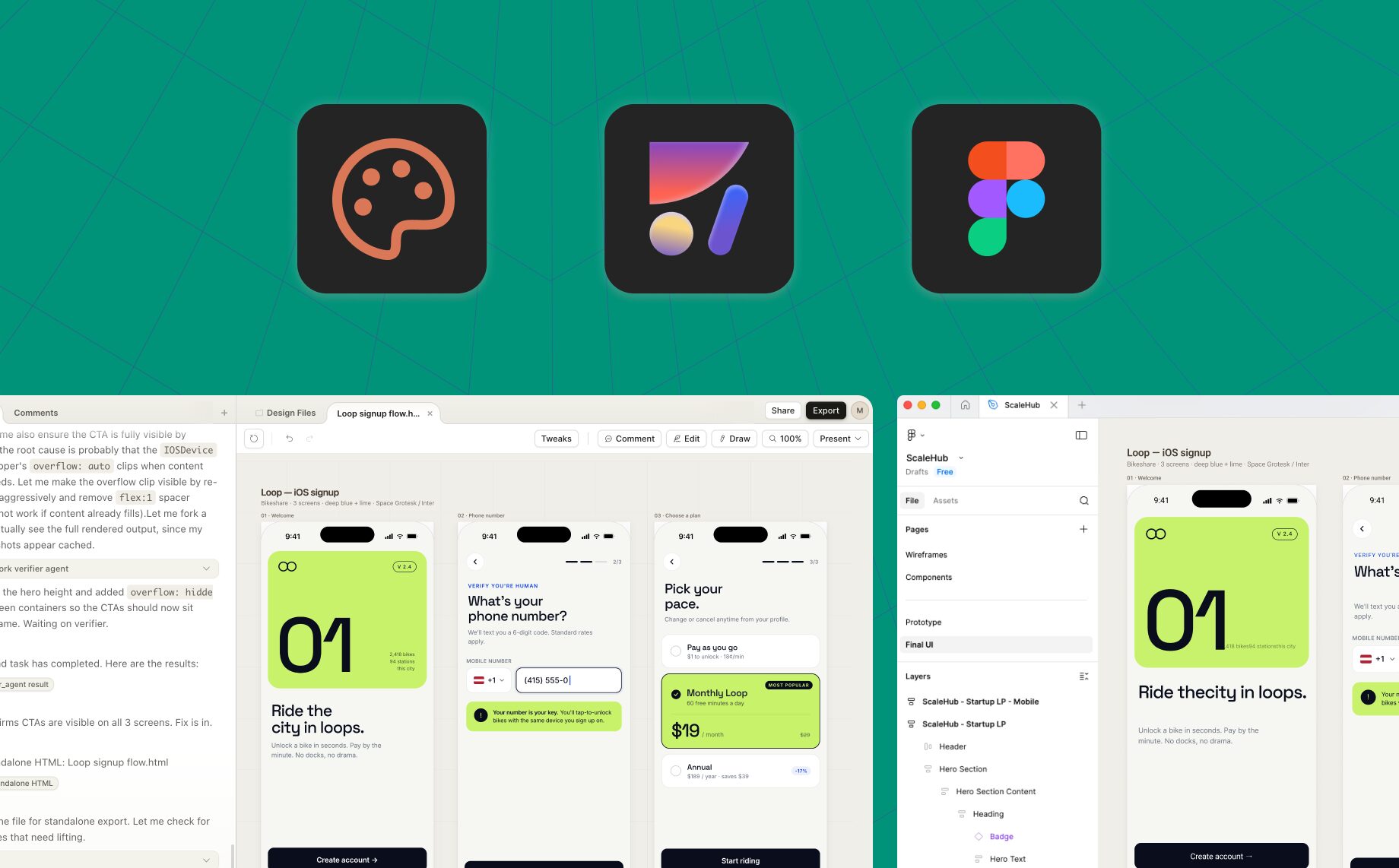
Reading Time: 5 minutesExport Claude Design to Figma as editable layers. Follow the HTML-to-Figma workflow, preserve structure, and continue with components, Auto Layout, and your design system.
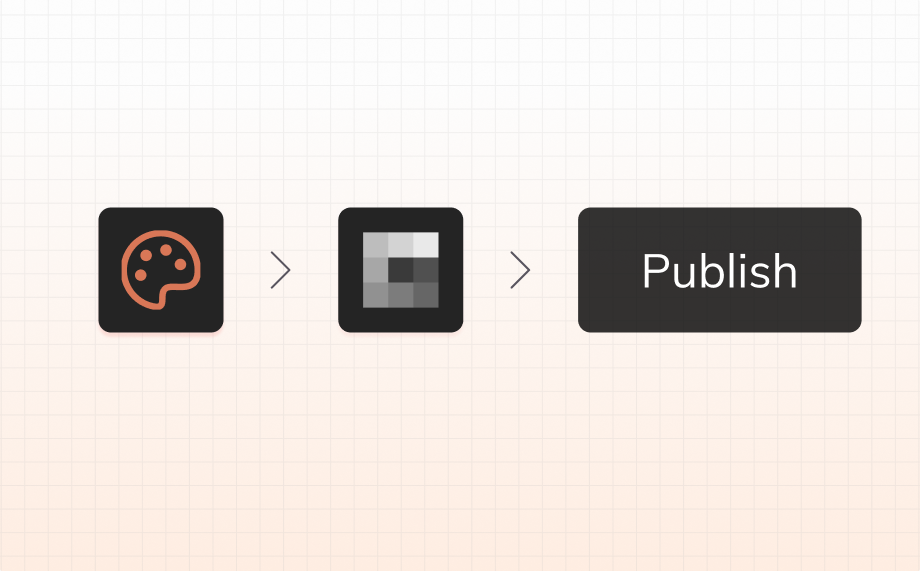
Reading Time: 7 minutesTurn a Claude Design concept into an editable website with Anima. Follow the current workflow to import, refine, publish, and keep iterating after launch.
Reading Time: 8 minutesAn up-to-date Claude Design review covering features, pricing, design systems, Claude Code handoff, limitations, and the best alternatives for Figma and production workflows.

Reading Time: 6 minutesLearn what a Claude artifact is, how to share or publish an HTML artifact, and how AgentGrid.io keeps versions, links, and agent collaboration in one place.
Reading Time: 7 minutesPublish a website from Claude Design through AgentGrid.io, review versions with multiple agents, publish updates, and connect a custom domain.


Reading Time: 9 minutesClaude Design can't generate images for the pages it builds. This guide shows how to use ChatGPT and AgentGrid.io to get them in: connect both Claude Design and ChatGPT to AgentGrid.io, and the design becomes a shared file both can work on — ChatGPT generates the image into it, and it shows up in your Claude Design page.
Reading Time: 9 minutesFigma AI design agent. Stay in Figma canvas and use AI to design, iterate, and build with your design-system. No setup, no terminal.
Reading Time: 9 minutesFigma Design Agent review: explore its features, pros, cons, beta limitations, and why Buddy by Anima is the best alternative for Figma-native AI design workflows.
Reading Time: 4 minutesFigma designs to HTML with AI. Export responsive HTML/CSS code for individual screens, components, or full websites using Anima's AI agent.

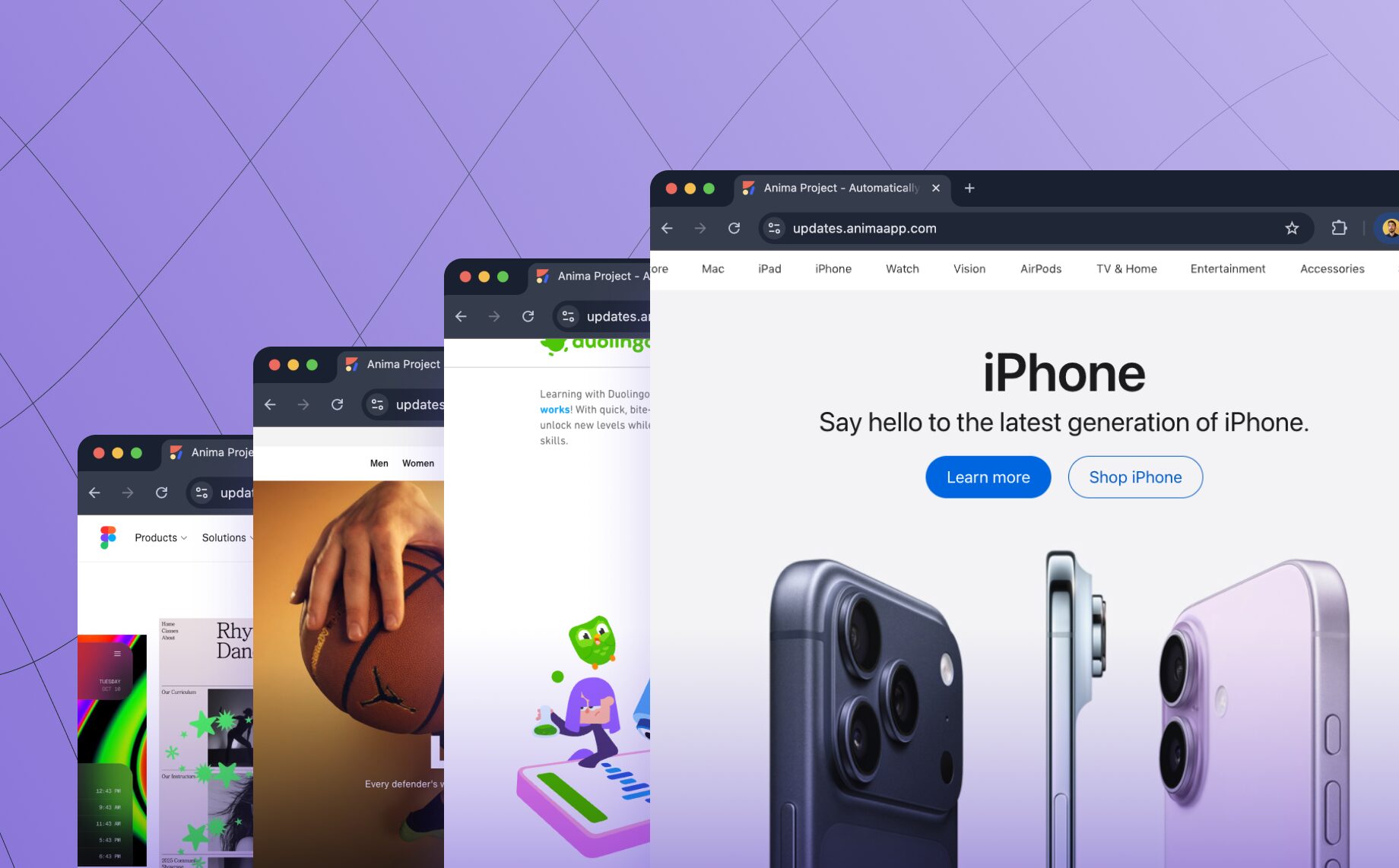
Reading Time: 3 minutesTurn any website into clean, editable frontend code. Anima’s new Link to Code lets you paste a URL and instantly generate responsive React or HTML code—perfect for prototyping, refactoring, or remixing the web.

Reading Time: 2 minutesShip apps that store real data instantly. Anima Playground creates built-in databases automatically for waitlists, forms, and internal tools. No SQL required.

Reading Time: 3 minutesTurn ideas into apps with Anima Playground. Chat with AI to design, clone, and build working prototypes, no code or setup required. Vibe coding made easy on the eye.
Reading Time: 4 minutesAnima API bridges Figma and coding AI agents, delivering pixel-perfect, production-ready code in React, HTML, and Tailwind. Power vibe coding platforms, prototypes, and automation tools with the same engine trusted by 1.5M Figma users.

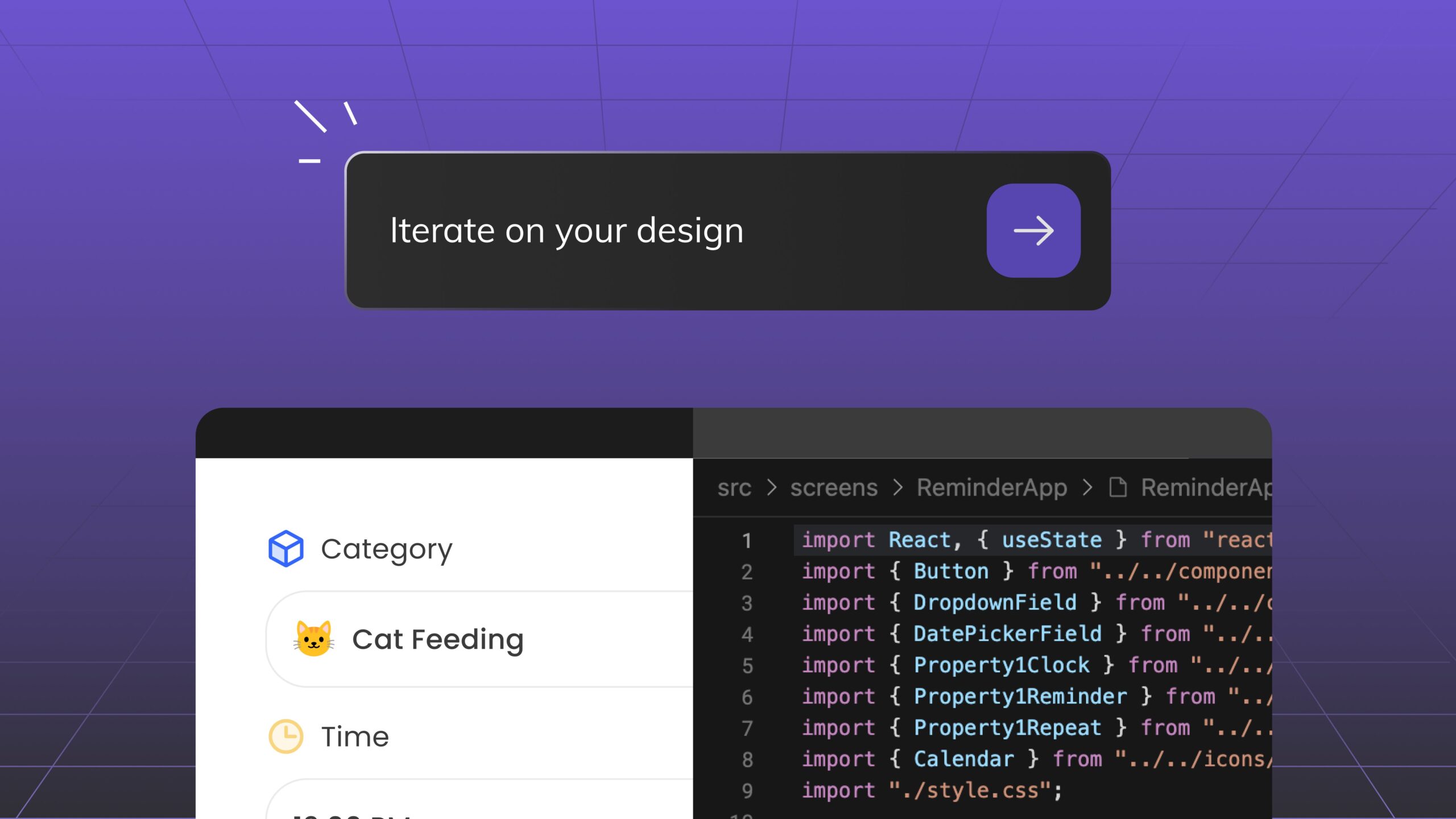
Reading Time: 3 minutesDiscover Anima Playground and Anima API—AI tools that generates high-end code with UI awareness for the age of agents and vibe-coding.
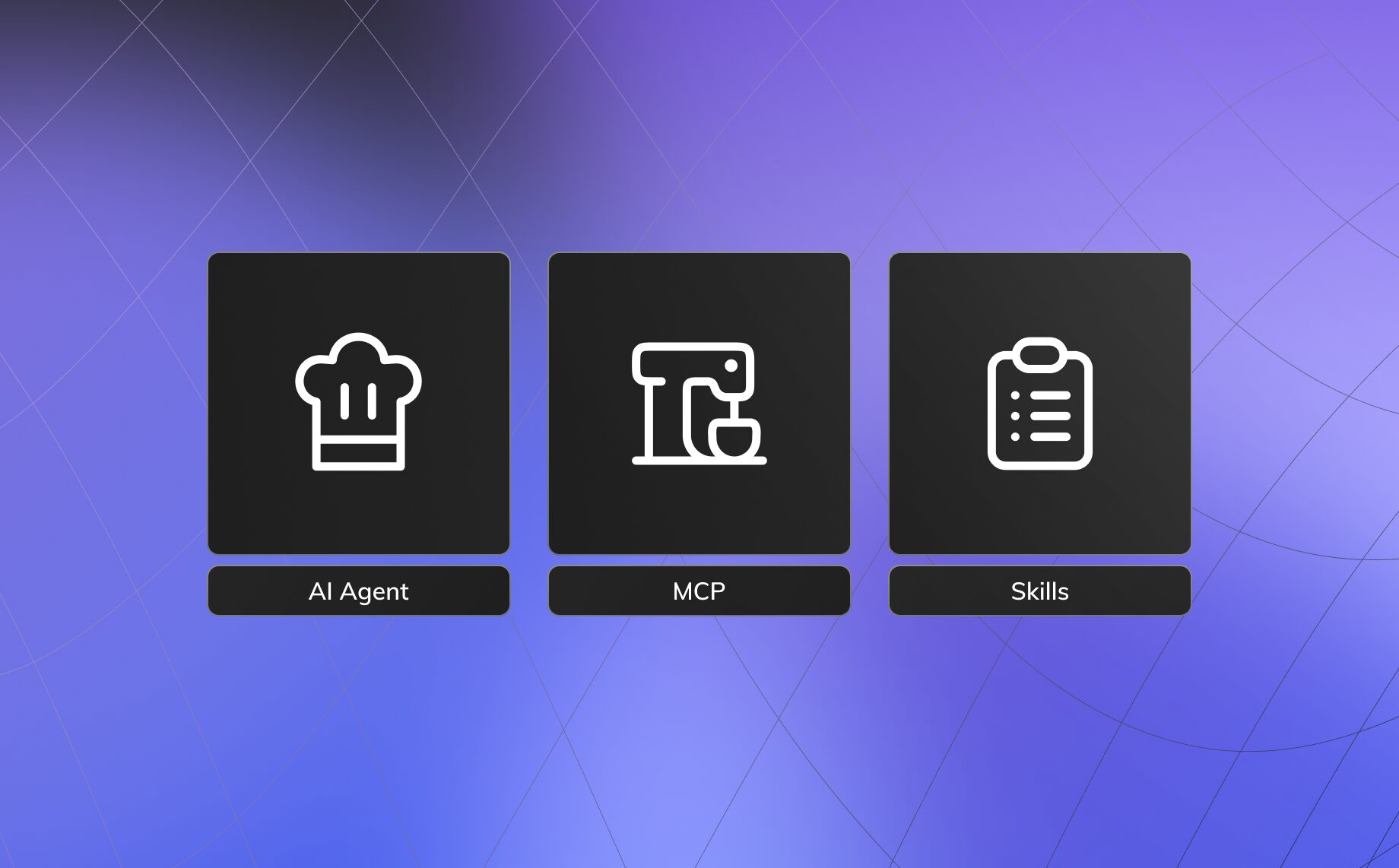
Reading Time: 3 minutesWhat is an AI agent skill? Learn how skills structure execution, connect tools like MCP, and power reliable design-to-code and vibe coding workflows for modern teams.

Reading Time: 5 minutesAgentic workflows were just introduced, but they seem to evolve on a daily basis with new tools and architectures every day, as we learn to leverage them in real world applications. These are my insights from Anima’s ongoing journey to automate Front-end engineering with AI design to code solutions.
Reading Time: 2 minutesCloning sites isn’t about shortcuts—it’s about context. We share the thinking behind our new website cloning feature: how it helps teams prototype, modernize, and vibe code starting from real products, and the guardrails we’ve built to keep it ethical.
Reading Time: 3 minutesWhen we created Frontier, we didn’t want to stick to just one coding design system. MUI, for example, is a very popular React Design System, but it’s one of <very> many design systems that are rising and falling. Ant Design is still extremely popular, as is the TailwindCSS library. We’re seeing the rapid rise of Radix based component libraries like ShadCN as are Chakra and NextUI.
Reading Time: 2 minutesShort answer: Yes! Frontier will generate client components by default, when it detects NextJS. This is done by adding the ‘use-client’ statement at the beginning of the component declaration.