 Figma
Figma API
API Web to code extension
 Adobe XD
 Discord
 Twitter
 GitHub
'/%3E%3Cpath%20fill='%23b2b2b2'%20d='M241%20382q0%2016%2017%2026%2017%2011%2042%2011t42-11q16-11%2017-26V269H241'/%3E%3Cpath%20fill='%239f7e00'%20d='M241%20379q0%2014%208%2023%209%209%2021%209%2014%200%2021-9%209-9%209-23V269h-59'/%3E%3Cpath%20d='M241%20339v-70h59v110q0%2014-9%2023l-6%205v-68h-15v72q-8%200-14-4v-68zm59%2040c0%2022%2015%2032%2029%2032%2021%200%2030-18%2030-32v-40h-59'/%3E%3Cpath%20fill='%239f7e00'%20d='M266%20277v5h2v12h-3v-5h2v-5h-9v5h2v5h-4v9h3v18h-5v10h34v-10h-5v-18h3v-9h-4v-5h2v-5h-9v5h2v5h-3v-12h2v-5zm42%20101q0%2010%206%2017%206%206%2015%207%2010-1%2016-7%206-7%206-17v-29h-43'/%3E%3Ccircle%20fill='%230044ad'%20cx='329.5'%20cy='372'%20r='6'/%3E%3Cellipse%20fill='%230044ad'%20cx='300'%20cy='340'%20rx='16'%20ry='21'/%3E%3C/svg%3E)


'%3E%3Cpath%20stroke='%23000'%20stroke-width='4'%20d='m-35-37-13%2020m5%203%2013-20m5%203-13%2020m63%2042%206-9m1-2%206-9m5%203-6%209m-1%202-6%209m5%203%206-9m1-2%206-9m-96%200%2013%2020m5-3-6-9m-1-2-6-9m5-3%2013%2020m63-42-6-9m-1-2-6-9m5-3%2013%2020m5-3-6-9m-1-2-6-9'/%3E%3Ccircle%20r='24'%20fill='%23cd2e3a'/%3E%3Cpath%20fill='%230047a0'%20d='M0%200a12%2012%200%201%201%2020%2013%2024%2024%200%201%201-40-26A12%2012%200%201%200%200%200'/%3E%3C/g%3E%3C/svg%3E)


'%3E%3Ccircle%20r='92'/%3E%3Ccircle%20fill='%23fff'%20r='80'/%3E%3Ccircle%20r='16'/%3E%3Cg%20id='c'%3E%3Cg%20id='b'%3E%3Cpath%20id='a'%20d='m0-80%203%2048L0-8-3-32M21-77%2011-30%202-8%205-32M40-69%2019-26%204-7%2013-29'/%3E%3Cuse%20href='%23a'%20transform='scale(-1)'/%3E%3C/g%3E%3Cuse%20href='%23b'%20transform='rotate(45)'/%3E%3C/g%3E%3Cuse%20href='%23c'%20transform='rotate(90)'/%3E%3C/g%3E%3C/svg%3E)


'/%3E%3C/svg%3E)


'/%3E%3C/svg%3E)
'/%3E%3C/g%3E%3Cuse%20href='%23b'%20transform='rotate(45%20140%20300)'/%3E%3Cpath%20d='m299%20285%2046%2015-46%2015%2028-39v48M59%20510l-36%2032%2010-47%2020%2043-42-24m22-409L23%2058l36%2032-48-4%2042-24'/%3E%3C/svg%3E)


'/%3E%3C/svg%3E)
 Blog
BlogGraphic Design in 2026
Reading Time: 10 minutesGraphic design in 2026 has changed forever thanks to AI. Anyone can design. Yet, design fundamentals remain a key to good design.


Reading Time: 10 minutesGraphic design in 2026 has changed forever thanks to AI. Anyone can design. Yet, design fundamentals remain a key to good design.
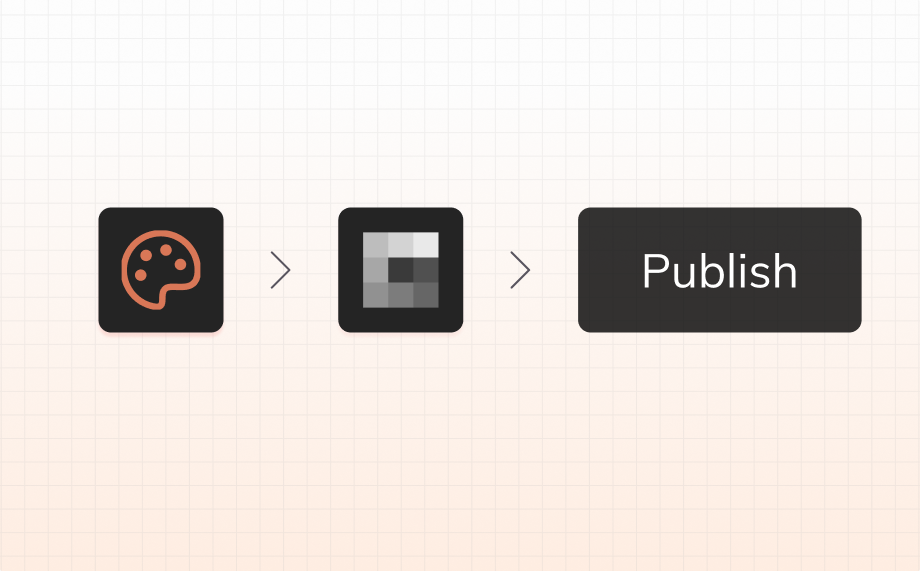
Reading Time: 7 minutesTurn a Claude Design concept into an editable website with Anima. Follow the current workflow to import, refine, publish, and keep iterating after launch.
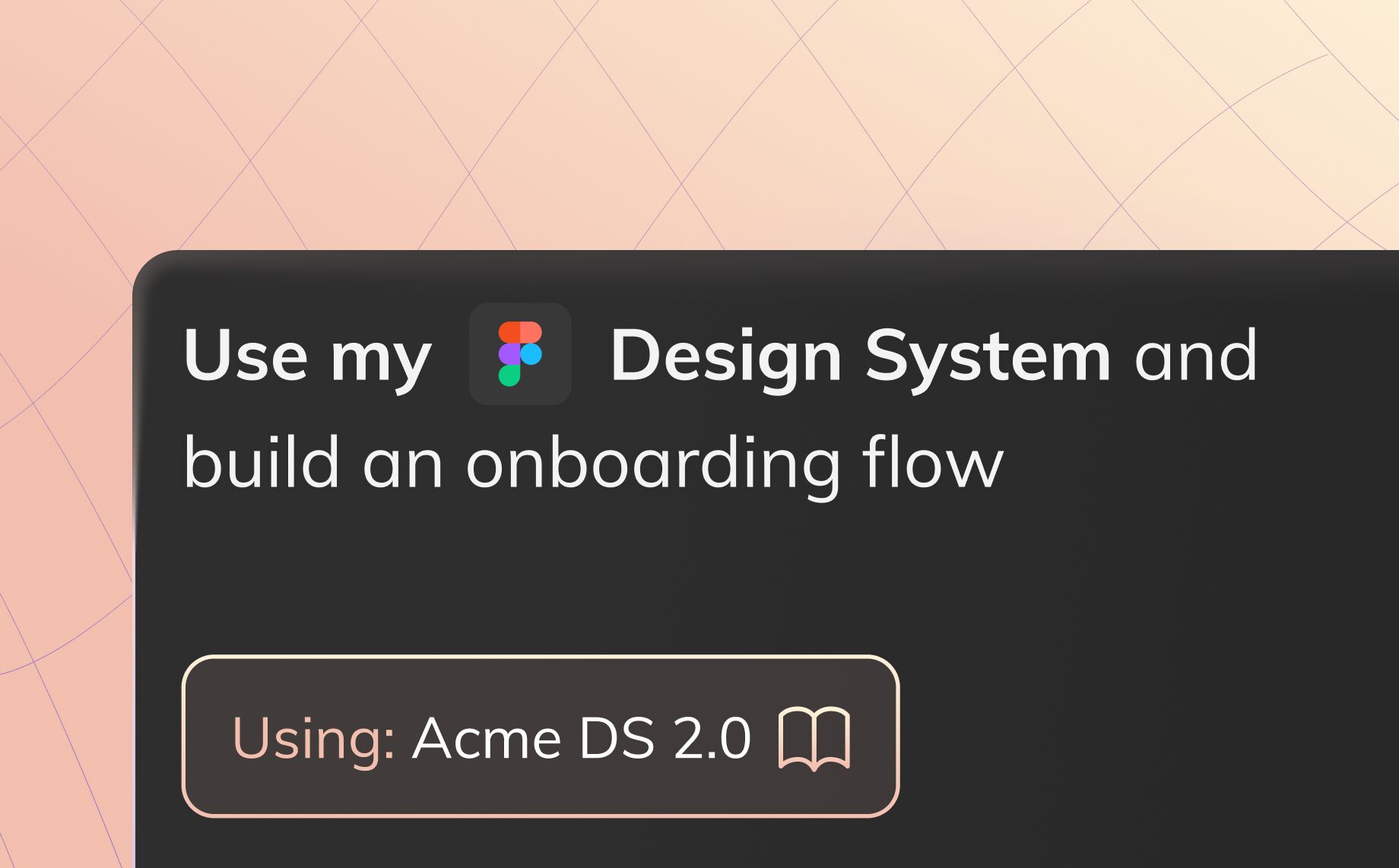
Reading Time: 4 minutesBuild apps with your Figma design system using Anima. Convert components into React code and vibe code new UI that stays on brand.

Reading Time: 5 minutesAnima is the UX design agent that understands your brand and design system. Build visually consistent, production-ready prototypes in a vibe-coding environment, then hand off to engineering via MCP. Design is now code.
Reading Time: 3 minutesVibe coding is transforming software creation. Avishay Cohen, CEO of Anima, explores how AI tools could unlock $1.5 trillion in annual productivity as 3 billion new people gain the ability to code.
Reading Time: 5 minutesFigma Make vs Anima Playground compared for designers: access, credits, code export, publishing, backends and the best alternatives for building real apps from Figma.
Reading Time: 2 minutesAnima Playground now lets you convert full Figma prototype flows into working code with multi-screen import, allowing you to vibe code from a flow with intact design.
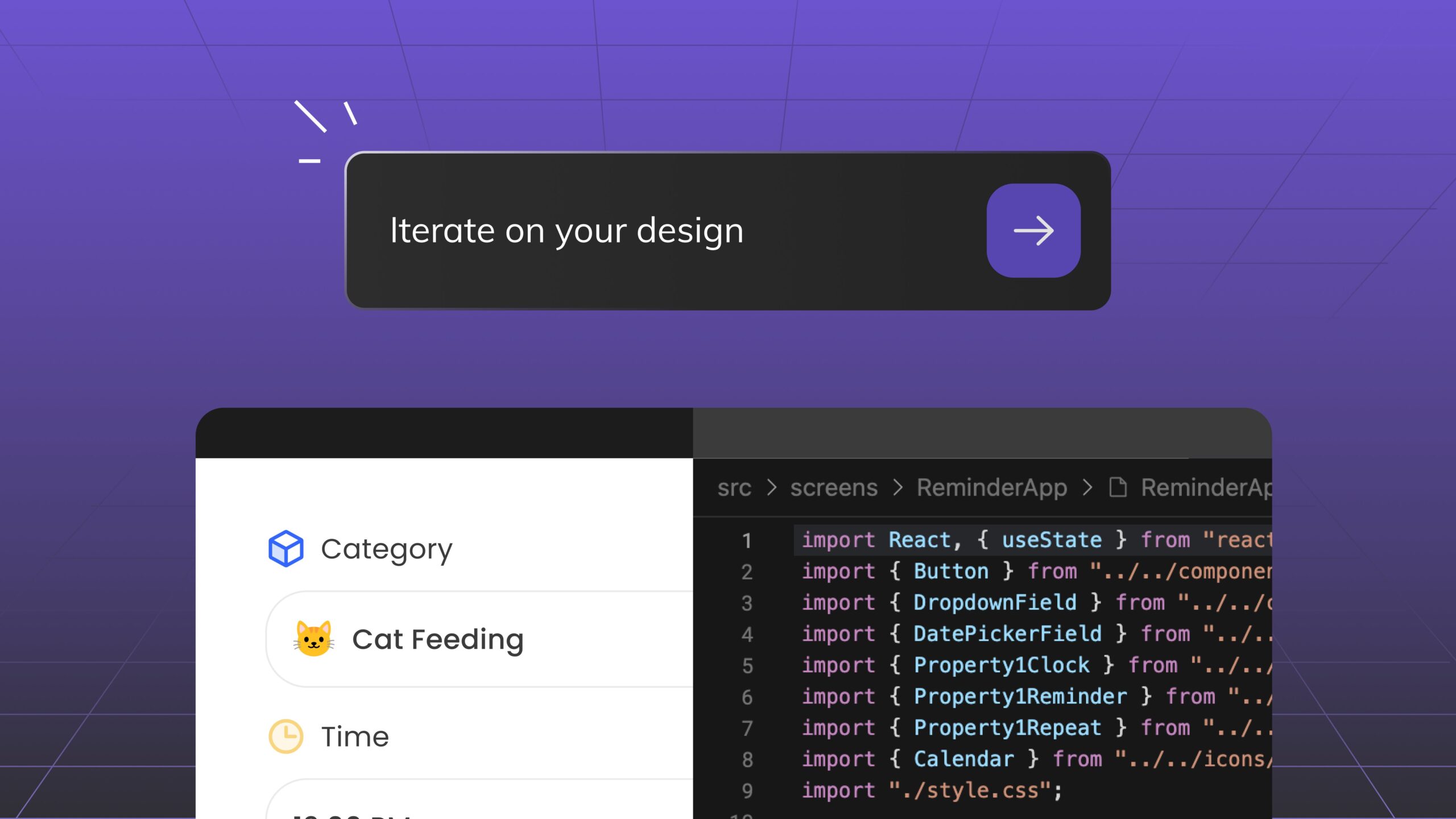
Reading Time: 3 minutesDiscover Anima Playground and Anima API—AI tools that generates high-end code with UI awareness for the age of agents and vibe-coding.

Reading Time: 2 minutesAnima is now SOC 2 (Type II) certified! 🚀 Learn how our enterprise-grade security ensures your designs, code, and AI-powered workflows remain protected.

Reading Time: 4 minutesFrontier is the first AI coding assistant tailored for Front-end development. It quickly analyzes your entire codebase, mapping your design system, frameworks, conventions, and components locally for maximum security. Using Anima’s advanced design-to-code engine, turn design into React, using your existing components.

Reading Time: 2 minutesA big step toward becoming developers’ sidekick is Anima’s new VSCode extension, now available in beta. With the first beta, you’ll be able to turn Figma into code right inside Visual Studio Code.

Reading Time: 6 minutesAnima recently welcomed Ofer as its new Vice President of Research and Development. With our focus on AI and GenAI, and Ofer's rich experience at Wix, we believe his perspectives are incredibly valuable to our community. We recently sat down with him for a conversation, and we're thrilled to share some highlights with you.

Reading Time: 3 minutesAnima with GenAI and multimodal Large Language Models (LLMs) are both groundbreaking innovations, but they serve different niches in the technological landscape.

Reading Time: 5 minutesAlthough the concepts of product design and development have become increasingly similar, we still have two sources of truth — Design and Code. Anima is here to automate design-to-code with AI, freeing developers and designers to create and build digital products faster.

Reading Time: 7 minutesRadiant's mission to reshape industries and revolutionize user experiences has found a like-minded ally in Anima—a dynamic collaboration that has already spanned two impactful years.
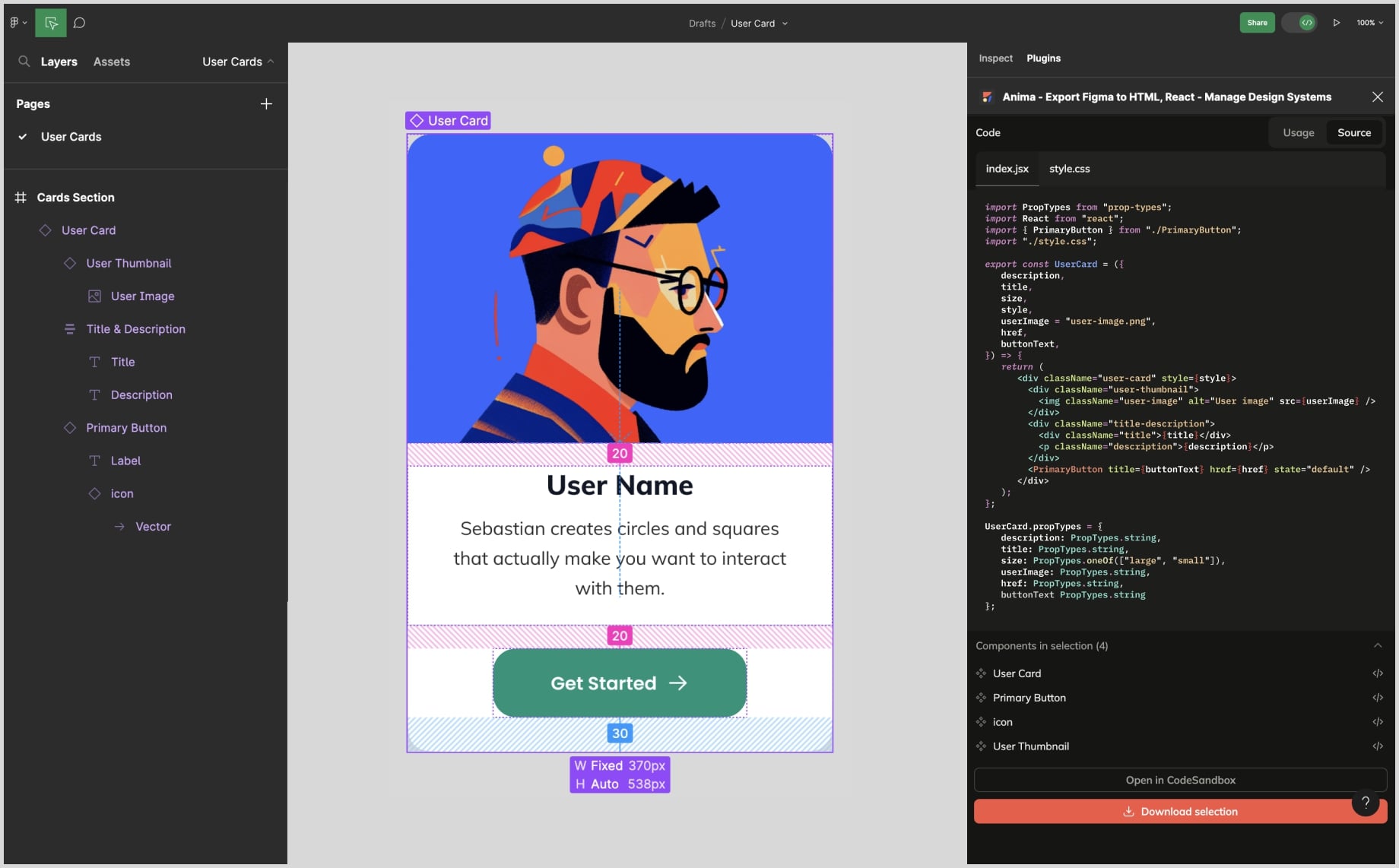
Reading Time: 4 minutesYou can get Anima’s code - React / HTML - inside Figma’s Dev Mode via our integrated Code Gen plugin.

Reading Time: 5 minutesThe AI Genie is Out of the Bottle. In this article, Avishay Cohen, Anima's CEO, shares his take on the future of design and development considering recent advances in AI and what’s around the corner.
Reading Time: 2 minutesAnima’s code generator now supports Figma variants and variant transitions, producing stateful, interactive React components in a click—right from Figma.

Reading Time: 4 minutesIn Gartner's assessment of the shifting design-to-code landscape for decision makers, Anima was front and center.

Reading Time: 3 minutesFollow these steps to build a React app with Figma + Anima, then launch it on Netlify using Anima's generated code. Give it a try, and go live in a fraction of the time.

Reading Time: 2 minutesAnima's bringing ready-to-use React components into Figma—from the same open source libraries developers use in production. Now you can launch better apps, faster, with fewer resources.