 Figma
Figma API
API Web to code extension
 Adobe XD
 Discord
 Twitter
 GitHub


 Blog
BlogMuse AI: What it is, how to use it, and what it can do
Reading Time: 11 minutesDiscover what Muse AI is, what Meta's personal AI agent can do, and how to use it. Learn how to create, share, and collaborate on AI-generated work.


Reading Time: 11 minutesDiscover what Muse AI is, what Meta's personal AI agent can do, and how to use it. Learn how to create, share, and collaborate on AI-generated work.
Reading Time: 6 minutesCompare Notion, AgentGrid, Craft, Logseq, Bear, and Joplin. Find an Obsidian alternative for notes, teamwork, or AI collaboration, and learn how to use both.
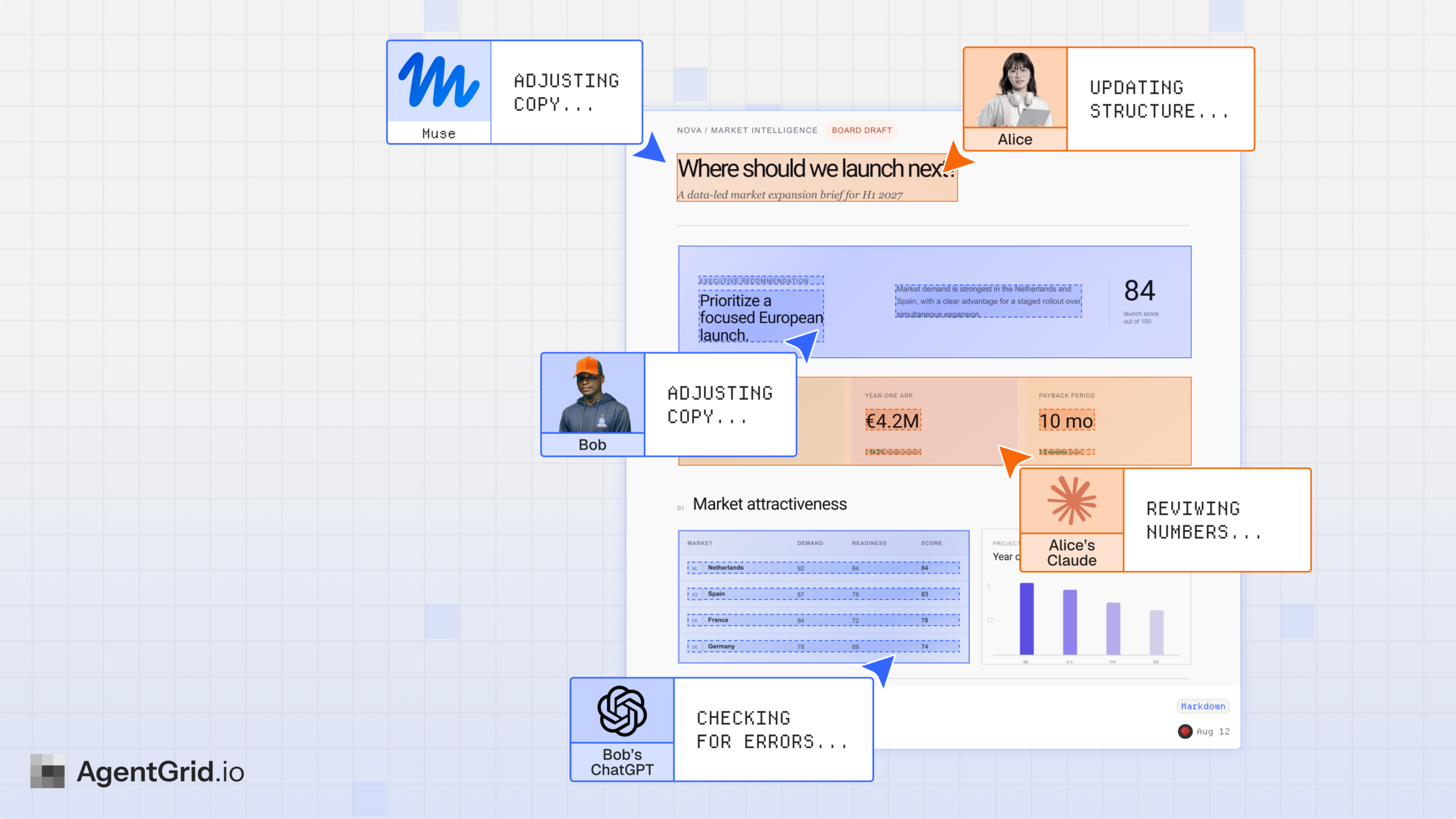
Reading Time: 5 minutesLearn how to share AI agent output as a live link. Turn Markdown, HTML, and AI-generated apps into shareable artifacts with AgentGrid.io.

Reading Time: 4 minutesLearn how to share AI-generated code as source, a working version, or a shared artifact that people and AI agents can review and continue together.

Reading Time: 2 minutesLearn how to import a Claude artifact or Claude AI prototype into Figma using Anima Buddy. Copy from Claude, paste into Figma, and get editable layers, screens, and states.
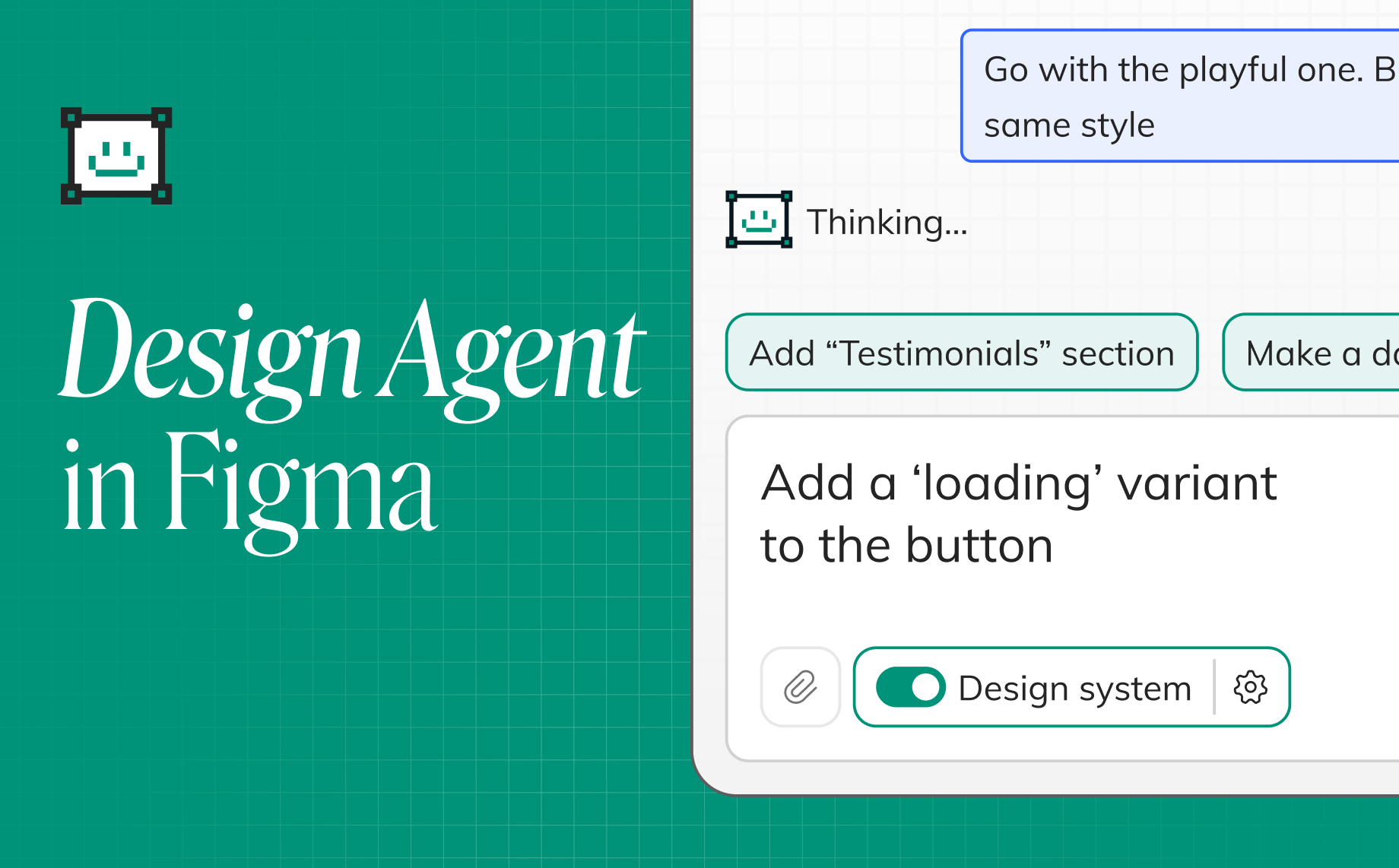
Reading Time: 9 minutesFigma AI design agent. Stay in Figma canvas and use AI to design, iterate, and build with your design-system. No setup, no terminal.
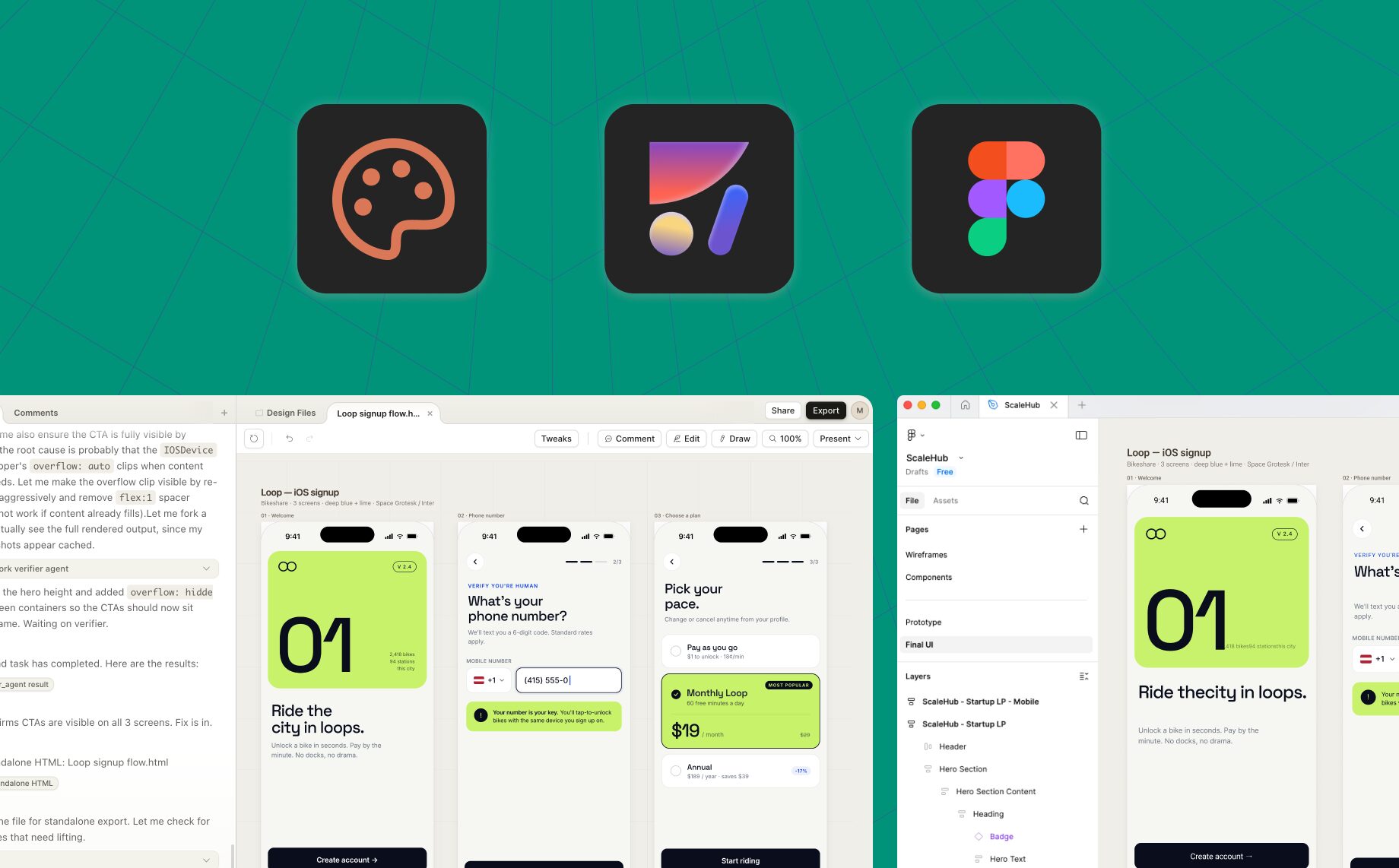
Reading Time: 5 minutesExport Claude Design to Figma as editable layers. Follow the HTML-to-Figma workflow, preserve structure, and continue with components, Auto Layout, and your design system.

Reading Time: 2 minutesBidirectional Figma and code workflow with Anima: vibe code in the browser, copy back to Figma, import designs mid-project, and keep design and code fully in sync.

Reading Time: 4 minutesRead how I used Anima’s new Database and User Auth features to build our custom changelog. See it live at updates.animaapp.com!
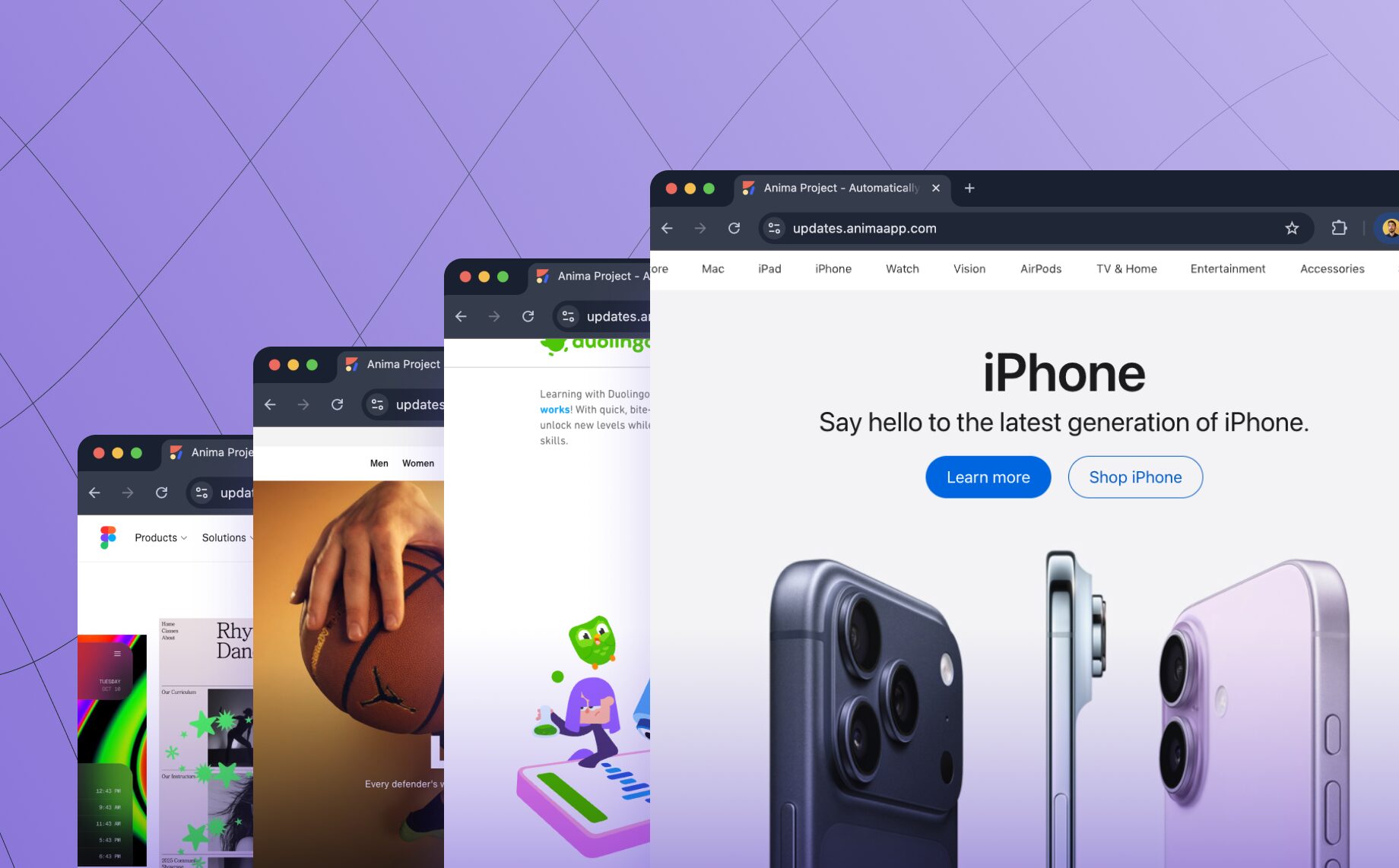
Reading Time: 3 minutesTurn any website into clean, editable frontend code. Anima’s new Link to Code lets you paste a URL and instantly generate responsive React or HTML code—perfect for prototyping, refactoring, or remixing the web.
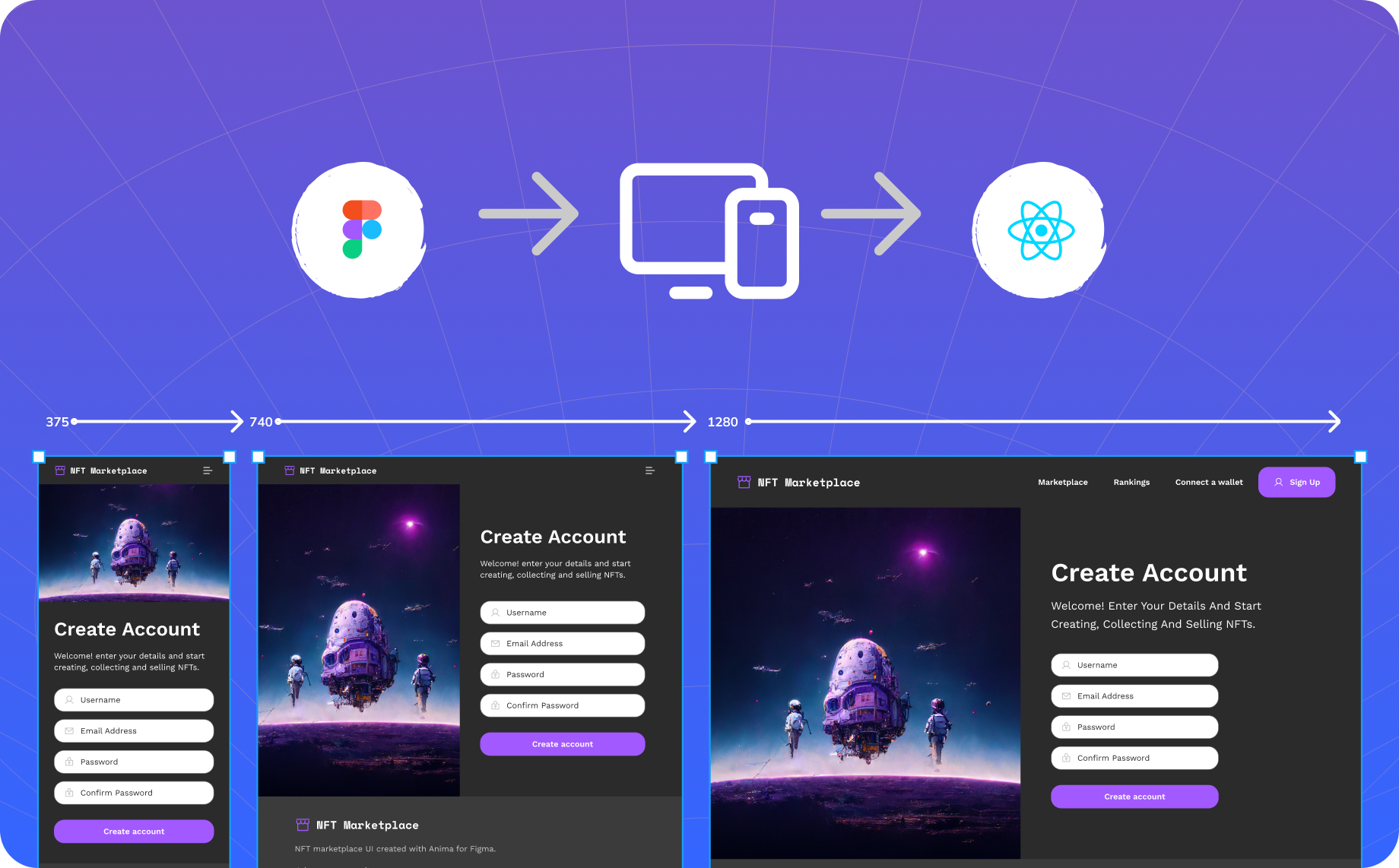
Reading Time: 2 minutesSimply define how you want your design to look for different screen sizes in Figma, and Anima will automatically generate code that adapts to each one.

Reading Time: 3 minutesToday, we’re thrilled to launch our GenAI code personalization! A whole new level of design to code workflow. If you ask 1000 developers, you’ll get 1000 different sets of tech stacks, coding styles and conventions. One constant feedback we get about Anima’s generated code, is that will never look the same as if they had been written it themselves.

Reading Time: 3 minutesNo more fake and workarounds. Create actual parallax scroll animation inside Adobe XD

Reading Time: 3 minutesA step-by-step guide on how to create responsive prototypes with Figma and Anima

Reading Time: 3 minutesAnima 4.0 is here - high-fidelity prototypes, developer-friendly code and continuous team collaboration.

Reading Time: 3 minutesControl how your designs look across different screen sizes

Reading Time: 2 minutesPrototyping with Anima Tip #5 out of 5
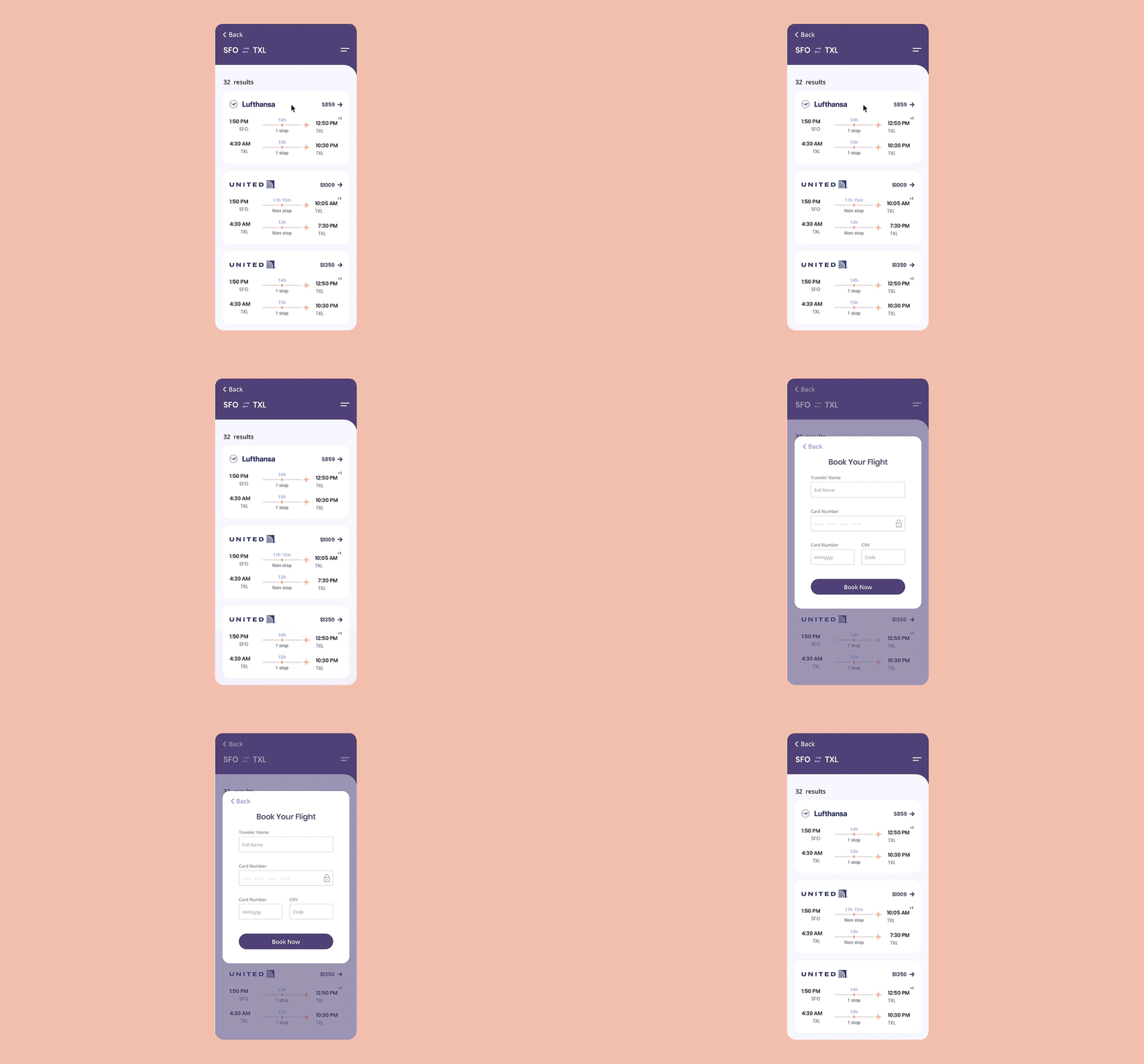
Reading Time: 2 minutesPrototyping with Anima Tip #4 out of 5

Reading Time: 2 minutesPrototyping with Anima Tip #3 out of 5

Reading Time: 2 minutesPrototyping with Anima Tip #2 out of 5

Reading Time: 3 minutesPrototyping with Anima Tip #1 out of 5