 Figma
Figma API
API Web to code extension
 Adobe XD
 Discord
 Twitter
 GitHub


 Blog
Blog
Figma AI Design: Introducing Buddy, Your Figma AI Design Agent13 min read
Reading Time: 9 minutesUpdate: Buddy is now free when you connect your OpenAI subscription or API key. Learn more here.
Something shifted in design. Figma opened its canvas to AI agents, and the industry moved fast. Then, Anthropic released Claude Design, making the signal even clearer: AI-native design is having its moment.
But the real unlock is not only giving agents access to design. It is giving designers access to agents, inside the workflow they already trust.
Figma AI design: Introducing Buddy
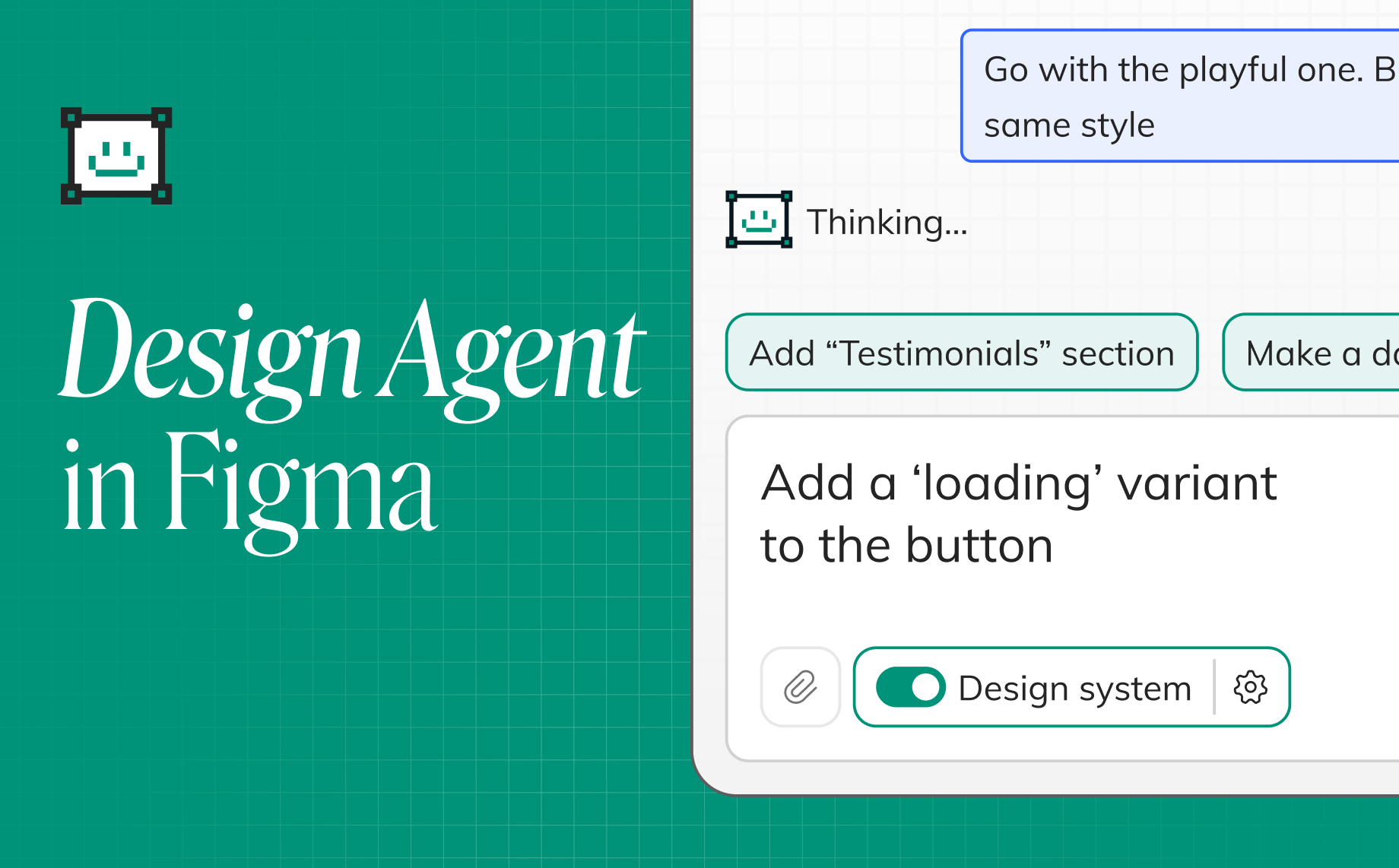
Buddy is the first Figma AI design agent, built as a Figma assistant / UX Co-pilot for teams who want the speed of AI without leaving Figma. If you are looking for Figma AI design that works inside the canvas your team already uses, Buddy is built for exactly that.
Anima Agent is a new Figma plugin that brings powerful, agentic AI directly into your Figma workspace.
We call it Buddy because it is built to work like a real design partner: an AI teammate that helps you create, iterate, and move faster on the canvas. As a UX Co-pilot, Buddy can take action across Figma, create frames, use your components, apply variables, set up auto layout, build variants, and reorganize pages, all inside the workflow your team already knows.
Try Buddy Figma AI Now
Figma AI tools: what can they actually do?
Most Figma AI tools help with one or more parts of the design workflow:
- Generate UI from a prompt, so teams can move from idea to first draft faster.
- Edit and iterate on existing designs, instead of starting over every time the direction changes.
- Automate repetitive Figma work, like renaming layers, applying auto layout, cleaning frames, or creating variants.
- Use design systems, so new screens follow your components, variables, spacing, and visual language.
- Move toward code, prototypes, or working products when the design is ready for implementation.
The strongest Figma AI design workflows do more than create a pretty first draft. They keep the work editable, collaborative, and connected to the system your team already uses.
What is Buddy, Anima’s Figma AI design assistant?
Buddy is a Figma AI design agent for product teams that want AI directly inside Figma. It works as a Figma assistant / UX Co-pilot, helping teams generate UI, edit existing screens, explore new flows, and move faster through design work without leaving the canvas.
That matters because great product design is not just about generating a first draft. It is about collaboration, comments, versioning, manual refinement, design systems, and real work happening in the file your team already uses.
Buddy brings AI into that reality. It does not ask designers to leave Figma. It makes Figma more powerful.
Designer-first
No terminal. No IDE. No API keys or config files. A chat panel inside Figma is the entire interface.
You shouldn’t need to leave your design tool to use AI.
That is a big part of what makes Buddy different. It is a real Figma assistant built for how designers actually work.
Your design system, built in
Import your components, variables, and tokens. The agent doesn’t just know Figma. It knows your Figma.
Your naming conventions. Your spacing scale. Your component variants.
When it builds a screen, it reaches for your buttons, your cards, and your tokens. Not generic rectangles.
This is where a true Figma design agent becomes useful. Generic AI can generate UI. Product teams need AI that works inside a system.
How it works
It takes action
This isn’t a chatbot that suggests things you then manually create. It builds directly on the canvas, using the same primitives you’d use yourself.
It carries context
This isn’t one-shot prompting. It’s a conversation. Each message builds on the last. You’re collaborating instead of starting over every time.
Zero setup
Install the plugin. Start a chat. That’s it.
No skills files to write. No markdown to configure. The agent already knows how to work in Figma.
Why Figma AI design works best inside the canvas
The difference between AI-generated UI and designed UI is whether the output belongs to a system.
Generic AI screens look like wireframes assembled by someone who’s never seen your product. The font is wrong. The components don’t match. The spacing feels arbitrary.
An agent that lives inside Figma starts from everything you’ve already built. It reads your library first. It knows what exists.
The output doesn’t just look right. It is right.
That is the core idea behind Figma AI design done properly. AI should not float above the design process. It should plug into the system, the canvas, and the team workflow that already exist.
How to use AI for Figma design with Buddy
Buddy is built for the moment when you want AI speed without leaving the Figma workflow.
- Install the Buddy Figma plugin. Open it inside the file where your team already designs.
- Select a frame or start from a new idea. Buddy can work from the canvas context you give it.
- Ask for a screen, flow, variation, or edit. Use plain language: add a pricing section, redesign this onboarding screen, create an empty state, or turn this reference into editable Figma layers.
- Use your system. Buddy can work with components, variables, tokens, naming conventions, and layout structure instead of generating disconnected UI.
- Iterate in chat. Refine the output, ask for alternatives, adjust hierarchy, or make the design more aligned with your product.
- Move to code when ready. When the design needs implementation, Anima’s design-to-code workflow helps bridge Figma and production-ready code.
Is Buddy a Figma AI design generator?
Yes, but Buddy is more than a one-shot Figma AI design generator.
It can help generate new UI from a prompt, but its bigger value is what happens after the first draft: editing existing screens, using real Figma components, applying variables, keeping layers editable, and helping teams iterate inside the same file.
That difference matters. A generator gives you a starting point. A Figma AI design agent helps you keep designing.
What can a Figma AI design agent do?
Design new features on existing screens
Select any screen in your file. Tell the agent what to add or change.
It sees what’s on your canvas, understands the structure, and builds on top of it.
Then iterate: try variations, explore directions, refine. You’re designing on real screens, not blank frames.
Grab anything from the web, then iterate on it
Paste a URL, whether it’s a UI you admire or your own production site, and the agent brings it into your canvas as editable Figma layers.
From there, you can spin up variations, restyle it with your design system, pull apart what works, and rebuild it differently.
Build or expand a design system
Give the agent a few components, a style you like, or a reference screenshot, and it can build a full system from that foundation.
Colors, typography, spacing, and component variants all stay consistent with the direction you set.
Already have a system? The agent extends it. Hours of manual work, handled in minutes.
Context-aware creation
Anima Agent analyzes the visual structure of your selected frames to ensure new elements align with your layout and intent.
It’s not just generating UI. It’s extending your existing design language with spatial accuracy.
Any Figma action, by chat
Auto layout on 30 frames. All variants for a component set. Canvas cleanup. Group by flow. Align frames. Rename layers in bulk.
The tasks that eat hours and require zero creative thinking are now a sentence in a chat.
Choose your model
Switch between AI models such as Claude, GPT, and Gemini, depending on what works best for the task.
Try Buddy, the Figma Design Agent
Buddy Figma AI vs Figma Make
Figma Make and Buddy both point to the same market shift: designers and builders want to move from idea to interface faster with AI. But they serve different parts of the workflow.
Figma Make is useful when you want to prompt your way toward an interactive idea or prototype in an AI-native environment.
Buddy is useful when you want AI inside the Figma canvas itself, working with the screens, components, variables, comments, and design systems your team already uses.
If your priority is fast AI-native exploration, Figma Make is an exciting direction. If your priority is Figma AI design inside the professional design workflow, Buddy is built for that job.
As more teams explore Figma AI design, they are comparing Buddy to Figma Make, Claude Design, Google Stitch, and UX Pilot. The key difference is simple: Buddy brings AI directly into Figma, where design systems, collaboration, and manual refinement already happen.
Claude Design vs Buddy: AI design in code vs AI design in Figma
Claude Design is exciting because it points to a new way to design in code. It reflects a broader shift in the market toward AI-native creative workflows where generation and iteration happen in a model-first environment.
Buddy is built for a different job.
Buddy lets you use AI directly on Figma’s powerful canvas. That means your team keeps the benefits that made Figma central in the first place: collaboration, comments, multiplayer editing, manual touches, versioning, and a real design workflow built around visual craft.
So this is not a simple better-or-worse comparison. It is a workflow choice.
If you want to design in code, Claude Design is a strong new direction. If you want a Figma AI design agent that works inside Figma and supports how design teams already operate, Buddy is the stronger fit.
And when you need code, Anima’s design-to-code plugin is the best way to go from Figma to production-ready code.
Google Stitch vs Buddy: AI-generated UI vs Figma-native AI design
Google Stitch is another signal that the industry sees huge value in AI-generated UI. Like Claude Design, it represents an AI-first way to generate and explore interface ideas quickly.
Buddy again takes a different approach.
Instead of starting outside Figma and moving designs back into the design workflow later, Buddy keeps the work where many product teams already collaborate. That matters because speed is only one part of design. The other part is iteration, review, refinement, and system-level consistency.
If you want a separate AI-native environment for quick ideation, Google Stitch is an interesting option. If you want Figma AI design directly inside Figma, with less switching and more control, Buddy is the better fit.
And if the next step is engineering, Anima’s design-to-code plugin gives teams the cleanest path from Figma to real code.
UX Pilot vs Buddy: Figma AI design plugin comparison
UX Pilot is part of the same new wave of AI tools helping teams move faster through UX and UI workflows. It is useful for teams looking for broader AI assistance across design-related work.
Buddy is more focused and more native to the Figma workflow.
Buddy is a Figma assistant, Figma design agent, and UX Co-pilot for teams who want AI directly on the canvas where real design work already happens. It is built around visual iteration, collaboration, and the practical reality of how product teams ship.
If you want broader UX-oriented AI support, UX Pilot may be attractive. If you want a deeply integrated Figma-native assistant for interface creation and iteration, Buddy is the stronger choice.
And when your design is ready for implementation, Anima remains the best bridge from Figma to code.
8 Years of Deep Figma Integration
This isn’t our first product. It’s the product everything else was leading to.
For 8 years, Anima has been the bridge between design and code, and the #1 design-to-code plugin with 1.7 million installs.
We’ve developed an unmatched understanding of how real Figma files work: component relationships, design system logic, and the nuance between intent and output.
Anima Agent is the natural next step. We’re taking that structural expertise and using AI to help designers create better and faster, all inside the tool they love.
This is where Anima has a real advantage. We are not arriving at design from the outside. We have lived at the intersection of Figma, product design, and code for years. We understand systems, structure, and how design actually becomes software.
FAQ
What is Buddy?
Buddy is Anima’s Figma AI design agent, a Figma assistant and UX Co-pilot that helps teams design faster directly inside Figma.
What is a Figma AI design agent?
A Figma AI design agent is an AI-powered tool that helps teams generate, edit, and refine interfaces directly in Figma. Buddy is built for this exact workflow.
How does Buddy help with Figma AI design?
Buddy helps teams generate UI, edit screens, automate repetitive work, and design faster directly inside Figma, using the canvas, components, and systems they already rely on.
Is Buddy a Figma assistant?
Yes. Buddy works as a Figma assistant by helping teams create screens, edit existing designs, automate repetitive tasks, and move faster inside Figma.
Is Buddy a UX Co-pilot?
Yes. Buddy acts as a UX Co-pilot by helping teams explore ideas, iterate on flows, and turn intent into real interface work on the canvas.
Why use Buddy instead of a separate AI design tool?
Buddy keeps AI inside Figma, where teams already collaborate, comment, review work, and maintain version history. That makes it easier to use AI without breaking the design workflow.
What makes Buddy different from generic AI UI generation?
Buddy works with your components, variables, tokens, and design system. It builds with the structure your team already uses instead of creating generic screens from scratch.
What is Figma AI?
Figma AI refers to AI-powered features and tools that help designers generate, edit, organize, prototype, and iterate on designs in or around Figma.
Can AI generate Figma designs?
Yes. AI tools can generate Figma designs from prompts, screenshots, URLs, or existing frames. The strongest workflows go beyond first drafts by letting teams edit the result, use design systems, and continue working inside Figma.
Is Figma AI the same as Figma Make?
Not exactly. Figma AI is the broader category of AI-powered features and workflows around Figma. Figma Make focuses on turning prompts into interactive designs and experiences. Buddy brings an AI design agent directly into the Figma canvas.
How is a Figma AI design agent different from an AI design generator?
An AI design generator usually creates a first draft. A Figma AI design agent can also understand context, edit existing screens, use components, apply variables, and keep iterating with the designer.
What if I need code after designing in Figma?
Anima’s design-to-code plugin is the best way to go from Figma to production-ready code.