 Figma
Figma API
API Web to code extension
 Adobe XD
 Discord
 Twitter
 GitHub


 Blog
Blog
Connect your AI coding agent to Anima Playground and Figma2 min read
Reading Time: 2 minutesConnect your AI coding agent to Anima Playground and Figma
Your PM built a prototype in Anima. Your designer sent you a Figma URL. Now you need to implement it. What if your coding agent (Cursor / Claude Code) could pull it directly?
The handoff gap
You have a prototype to implement. But getting the code into your editor means context switching, copy-pasting, and hunting for “the latest version.”
Until now, you had two options:
-
Manual export
Open Anima, export the code, unzip it, paste it into your project, adapt it to your patterns. Repeat for every component. Hope nothing changed while you were working.
-
Screenshot and describe
Share a screenshot with your coding agent and describe what you want. The AI guesses at colors, spacing, and structure. Close, but never quite right. Back-and-forth until it matches.
That’s the gap. Either copy-paste your way through handoffs, or describe what already exists.
Anima closes that gap
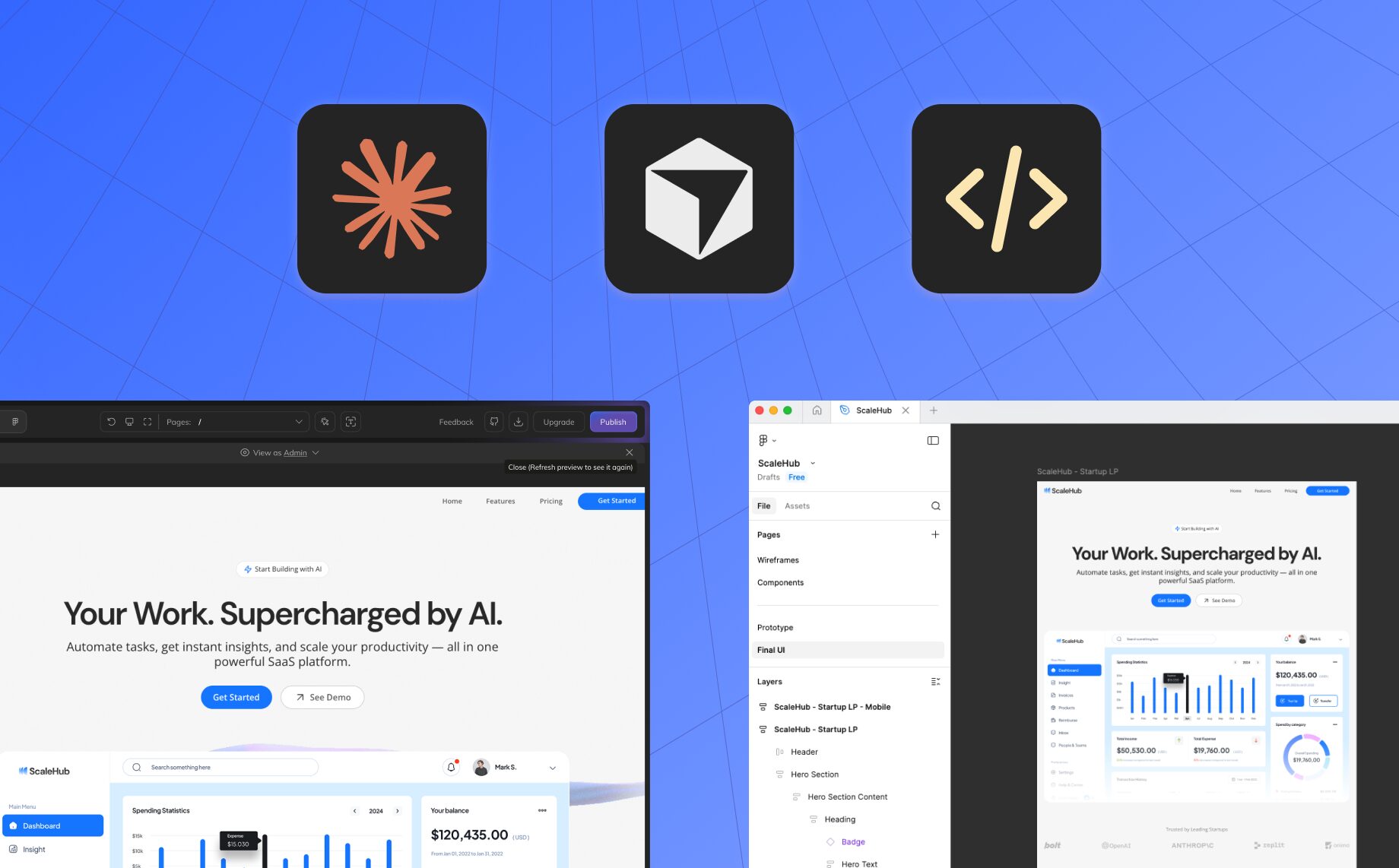
Your AI coding agent now speaks directly to Anima. Meet Anima MCP. Connect Claude Code, Cursor, or any MCP-compatible tool to Anima Playground and Figma. Paste a URL, prompt your agent, and it pulls the actual code. Not a description. Not a guess. The real implementation.
No exports. No copy-paste. No “which version?” Just prompt and build.
Why use Anima MCP?
-
Prototype to production in one prompt
PM built something on Anima? Pull it directly into your codebase without export buttons or context switching.
-
Figma designs, implemented accurately
No more describing what the AI can see for itself. It pulls actual properties, not guesses.
-
Design system enforcement
Enterprise teams can connect their Figma component library. Every AI-generated implementation follows established patterns.
-
Full context, not just snippets
Your AI sees file structures, component relationships, and design context. It implements like someone who understands the project.
Who it’s for
- Developers can implement PM prototypes without asking “which version is latest?”
- Teams can hand off Anima projects and specific features directly to coding agents.
- Enterprises can ensure every AI-generated component follows the design system.
How it works
-
Connect
Add Anima MCP to your coding agent in one command.
-
Authenticate
Sign in with your Anima account. Optionally: connect Figma for direct design access.
-
Prompt
Paste a Playground URL or Figma link. Ask your AI to implement it.
-
Build
The AI connects to Anima via MCP, understands the design details and patterns, adapts it to your project, and implements the design in code.
From prototype to production
Your PM built something. Your designer shipped a Figma file. Now what?
Paste the URL. Prompt your AI. Watch it implement.