 Figma
Figma API
API Web to code extension
 Adobe XD
 Discord
 Twitter
 GitHub


 Blog
Blog
Meet Match a Brand: Build Apps Branded like Any Website3 min read
Reading Time: 3 minutesBuild product UIs matching the brand of any live website
Turn a reference into a real prototype. With Match a Brand, you can point Anima to any brand or website, and instantly get a polished UI direction, without writing a design brief.
What’s new in Anima Playground
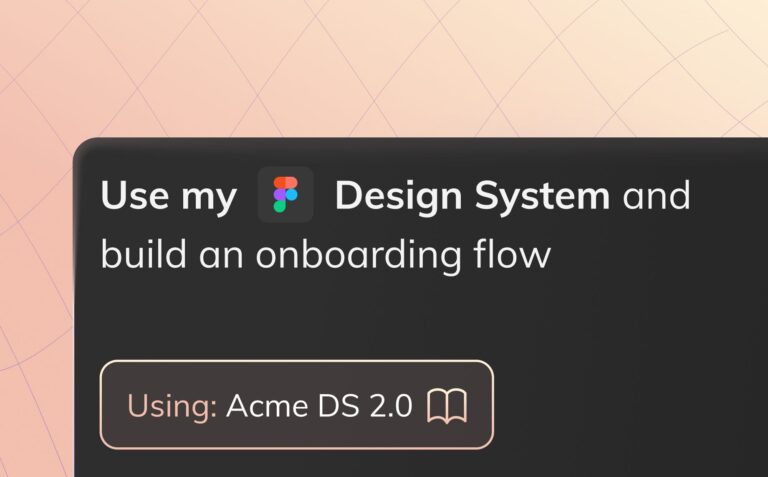
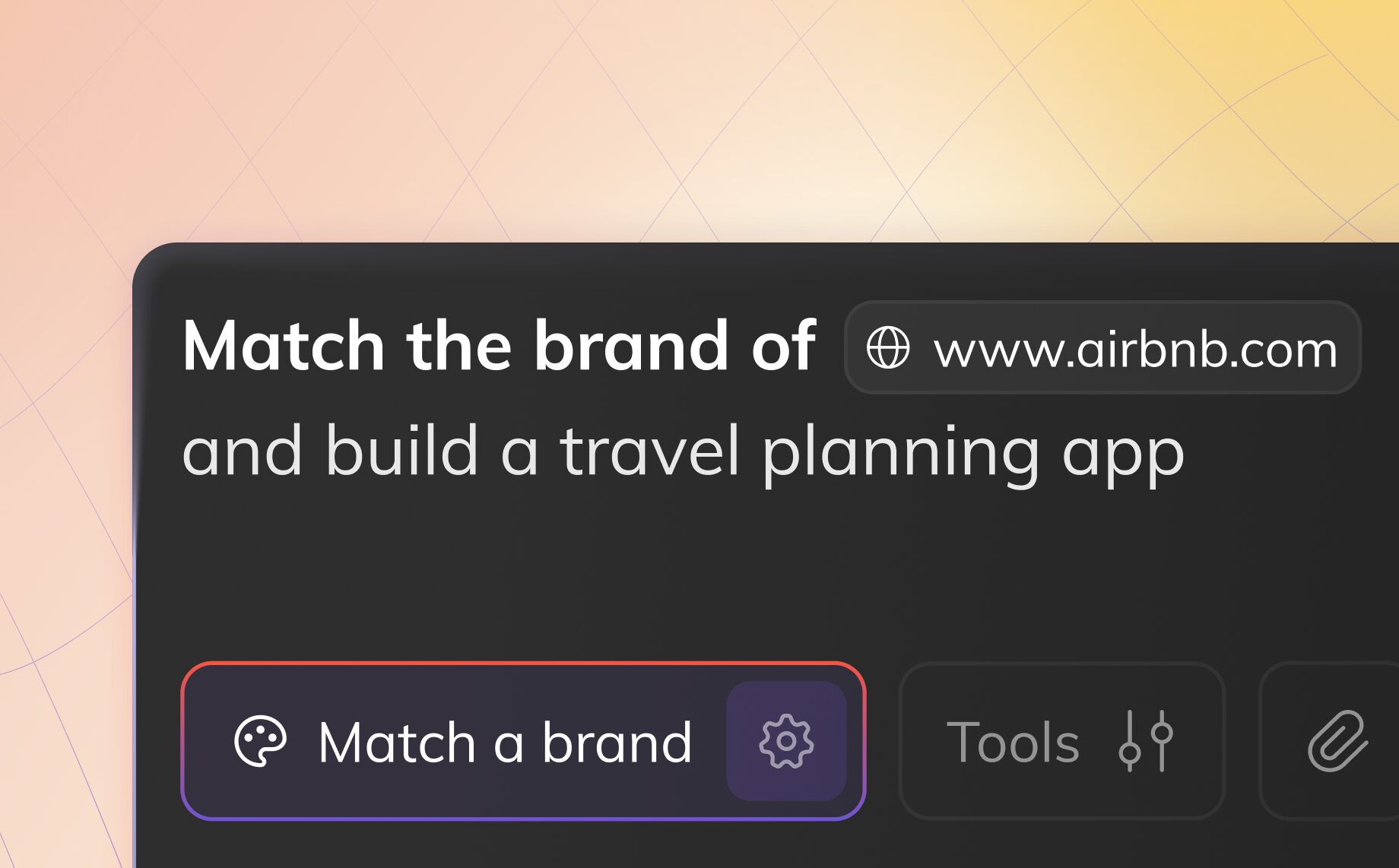
Meet Match a Brand, a faster way for product teams to align on visual direction. Add a website URL (or brand reference) to your prompt, and Anima extracts its visual language and applies it to whatever you’re building.
For product managers, this means you can walk into stakeholder conversations with clear, concrete visuals instead of vague descriptions.
Designers benefit too: use Match a Brand to quickly explore directions from a spec or wireframes and generate multiple variations for review. Pro tip: Run the same prompt multiple times to compare concepts side-by-side.
How it works
- Add Match a Brand
[URL or brand]to any prompt.
Example: “Create an insurance calculator inspired by somesite.com, features: …” - Anima analyzes the site’s colors, typography, spacing, and layout patterns.
- Your prototype inherits that visual DNA — while your content and structure come from your prompt.
- Iterate by prompting, tweaking, or exporting to code.
The reference doesn’t have to be your website — or even in your industry. Match a Brandy translates visual language, not content.
Why product managers use “Match a Brand”
- Replace vague briefs with a URL: “Like Stripe” becomes tangible in seconds.
- Align stakeholders faster: Show the direction instead of describing it.
- Prototype competitor vibes: Explore positioning without guessing.
- Move from idea to screens quickly: No design skills required to get polished output.
- Reduce back-and-forth: Bring clearer inputs to design and engineering.
Want to see it in action? Watch on YouTube:
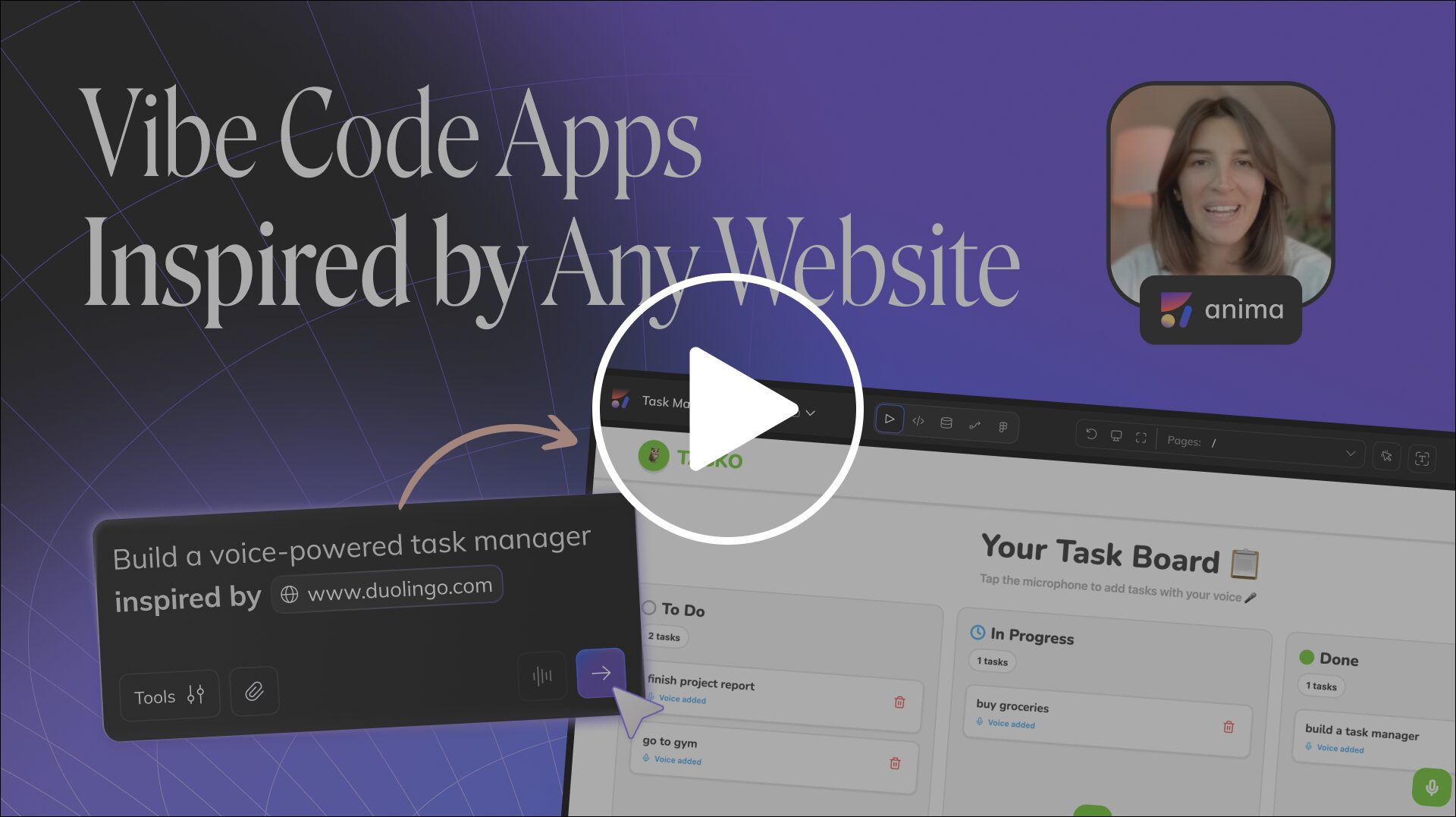
Match a Brand for product managers
Match a Brand helps PMs communicate product intent with real screens, not abstract direction. Use it to pitch ideas, validate flows, and keep teams aligned.
- Show stakeholders exactly what you mean using familiar references.
- Bring “good taste” to early prototypes without needing a designer on every iteration.
- Explore multiple directions before committing to a design sprint.
- Walk into reviews with polished visuals that feel production-adjacent.
- Speed up handoffs by pairing specs with tangible UI concepts.
Match a Brand for product designers and UX/UI experts
- Explore multiple visual directions from one prompt or spec.
- Turn wireframes into coherent concepts in minutes.
- Generate variations to break creative inertia.
- Compare aesthetics side-by-side for faster decisions.
- Validate direction before investing in high-fidelity design.
- Collaborate using tangible, shareable outputs.
Match a Brand for marketing teams
Marketing teams can build and test landing page directions without waiting on full design cycles.
- Build landing pages inspired by high-converting sites.
- Stay on-brand while testing new messaging and layouts.
Match a Brand for founders and sales
- Demo features before they’re built.
- Create client pitches that match existing brand aesthetics.
- Personalize demos using a prospect’s website.
- Prototype investor decks with polished visuals.
- Deploy full-screen demos with a single click.
When to use Clone Website vs. Match a Brand
Match a Brand is ideal when you want the style — colors, typography, spacing, and overall feel — while generating a new layout from your prompt. It’s perfect for ideation and alignment.
Clone Website is best when you want the structure — layout, content flow, and components — rebuilt as clean, editable code.
- Use Match a Brand → You want the vibes, not the layout.
- Use Clone Website → You want the structure and components.
Many teams combine both: clone a flow for structure, then re-style it with Match a Brand to explore new directions.
From inspiration to implementation
Skip the blank page. Bring a reference, describe what you need, and let Anima generate a UI concept your team can react to.
Try it now in Anima Playground.